The Honest Guide To Updating Your SASSA Details When Your Phone or ID Changes
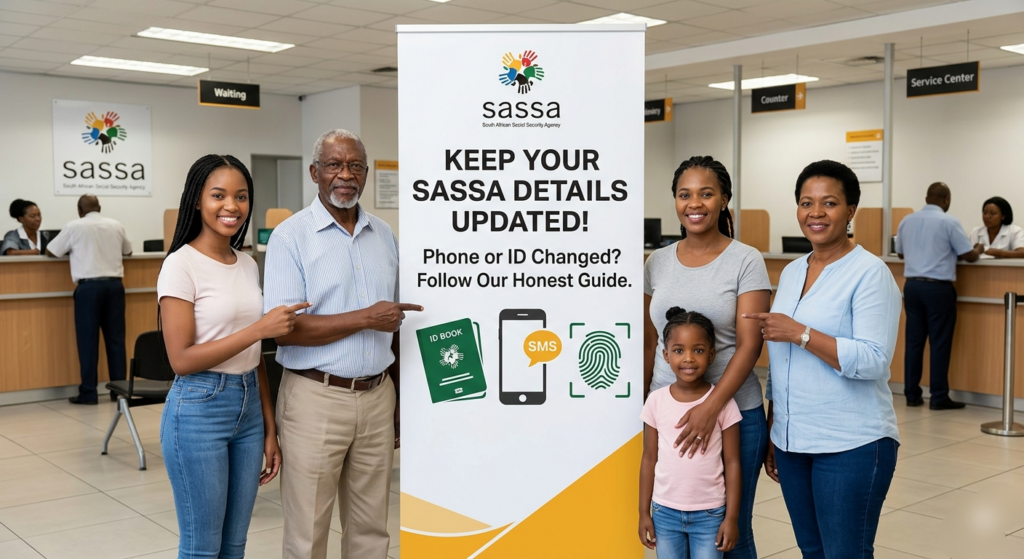
Keeping your SASSA details current is crucial to avoid grant payment delays or declines, especially with rising fraud concerns in 2026. Whether you’ve switched phone numbers or need to update ID-related info due to loss or change, the process has tightened for security, often involving biometrics or in-person verification.
Why Updates Matter Now
Outdated phone numbers block vital SMS alerts for approvals, payments, and status checks on grants like SRD R370. ID mismatches, common after Home Affairs updates or lost documents, can halt benefits entirely as SASSA cross-checks with DHA databases.
Fraudsters target unverified details, but SASSA’s 2026 biometric rollout to 80% of offices combats this. Failing to update risks 14-day processing holds or outright suspension, so act fast after any change.
Updating Your Phone Number
Start online at srd.sassa.gov.za for SRD grants: Enter your 13-digit ID, select “Change Contact Details,” input the new number, and verify with OTP sent to your old phone.
If no access to the old number, dial the toll-free line 0800 60 10 11. Answer security questions, get a unique SMS link (valid 24-48 hours), and complete biometric verification via the link or app.
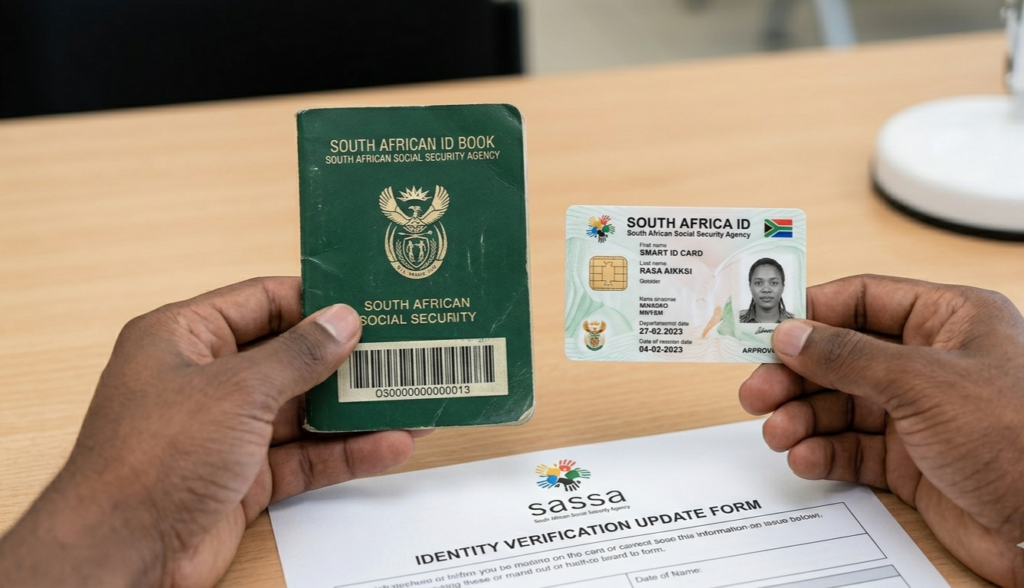
In-person works best for complications—visit your nearest SASSA office with ID and new SIM proof (like RICA docs). Expect 24-48 hour online processing or up to two weeks for verification; one request per day max.
Handling ID Changes or Losses
ID updates aren’t self-service online due to strict DHA linkage. First, replace lost IDs at a Home Affairs office with affidavit, police report, and photos—new Smart ID details must match exactly.
Then, head to a SASSA office with the new ID, old grant reference (if known), bank statement, and proof of address. Staff will biometric-scan and update records on-site, often same-day for active grants.
For SRD specifically, use your ID to retrieve application status on srd.sassa.gov.za, then request ID correction via hotline or email to grantenquiries@sassa.gov.za, attaching scanned docs. Biometrics confirm identity to prevent mismatches.
Required Documents Checklist
– Valid South African ID (green bar-coded, Smart ID, or passport).
– New phone proof: SIM pack, RICA certificate, or account holder letter.
– For ID loss: Affidavit, SAPS case number, and 3-month bank statement.
– Grant proof: Application ID (find via ID on SRD site) or payment SMS.
No fees apply, but photocopies help. Digital uploads fail without biometrics, so physical visits ensure success.
Step-by-Step Phone Update Process
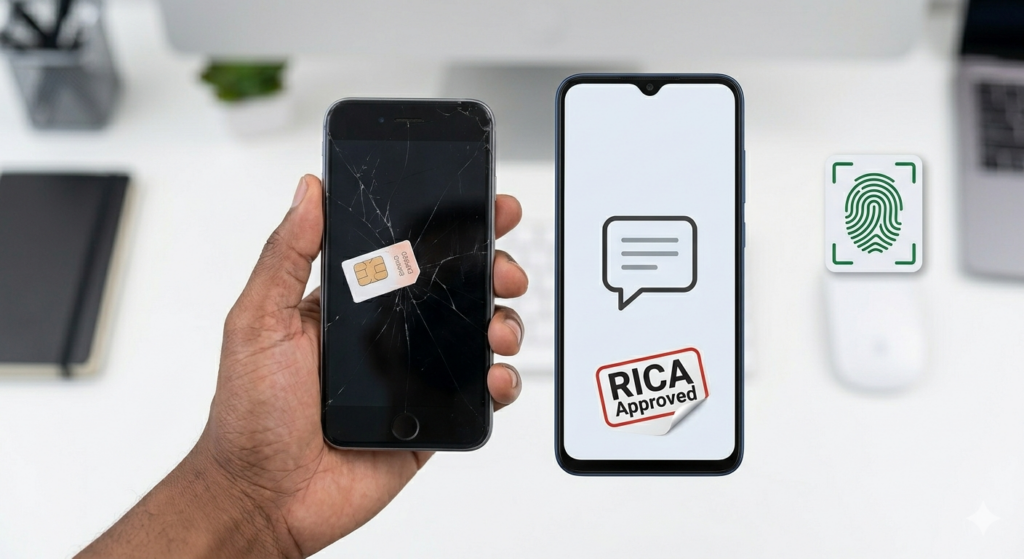
1. Visit srd.sassa.gov.za or dial 0800 60 10 11.
2. Provide ID and old/new phone details.
3. Verify via OTP or security quiz.
4. Complete biometrics if prompted (fingerprint/face scan).
5. Receive confirmation SMS; check status after 48 hours by texting STATUS to 13490.
SMS alternative: Text “CHANGE [new number]” to 13490 from old phone (free).
Step-by-Step ID Update Process
1. Update/replace ID at Home Affairs.
2. Gather grant docs and visit SASSA office (find via sassa.gov.za service offices).
3. Fill Form SASSA 213 or equivalent at the counter.
4. Undergo biometric verification.
5. Get reference number; payments resume next cycle post-approval.
Hotline follow-up if needed, but offices process faster in 2026.
Common Pitfalls and Fixes
Many hit OTP issues without old SIM
Solution: Office visit trumps all. Name/ID mismatches from typos? Align exactly with DHA records before submitting.
Long queues? Go early weekdays; rural offices have shorter waits. Ignore scammer WhatsApps claiming “easy updates”—official channels only.
Biometric glitches affect some; retry or use alternate offices with full rollout.
Verification After Changes
Check phone update: Text STATUS to 13490 or log into srd.sassa.gov.za with new number. ID updates show in grant status within 14 days; payments reflect next month.
Monitor via SASSA app or Moya app integration for real-time alerts. If delayed, reference your update ticket at the office.
Final Tips for Smooth Sailing
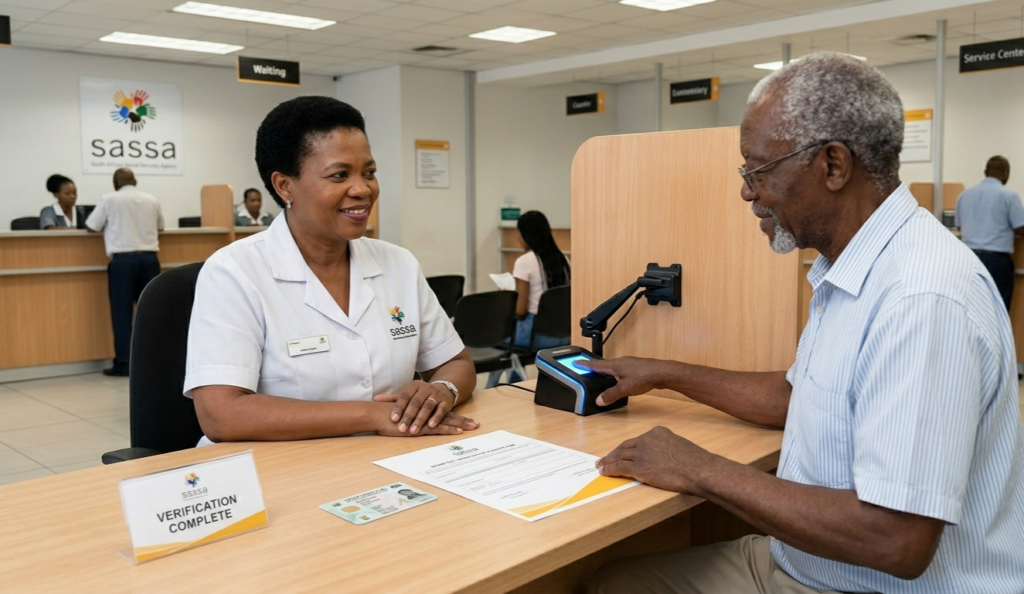
Update proactively—phone changes within 24 hours of SIM swap. Keep digital backups of docs. With April 2026’s fraud crackdown, biometrics are non-negotiable for high-value grants.
Locate offices at sassa.gov.za Toll-free support runs weekdays 8am-4pm. Stay vigilant; accurate details mean reliable support when you need it most.