Why Your SASSA Status Says ‘Deceased’ (And How To Restore Your Grant in 24 Hours)
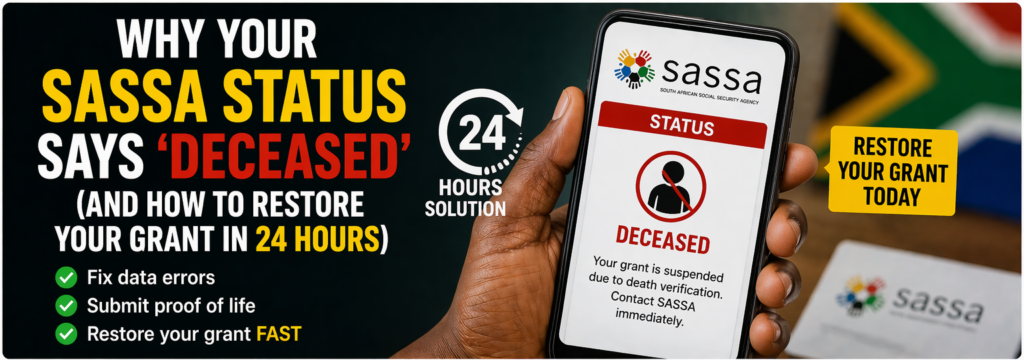
Imagine logging into your SASSA portal, excited for your grant payment, only to see “Deceased” staring back at you. It’s a gut punch, especially if you’re very much alive and relying on that money for basics like food and rent. This error happens more often than you’d think in South Africa, but the good news is it’s usually fixable fast with the right steps.
Common Triggers for the ‘Deceased’ Status Glitch
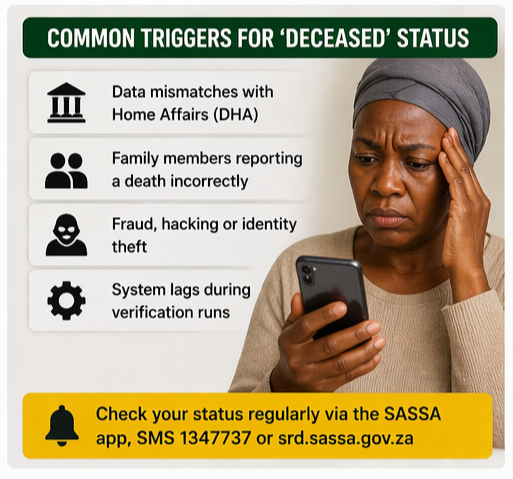
SASSA cross-checks its 18 million beneficiaries monthly against the Department of Home Affairs (DHA) database around the 22nd or 23rd. If your ID gets flagged—due to a data mix-up, late death report, or even fraud—your status flips to “Deceased,” halting payments instantly.
– Data mismatches from DHA delays, where deaths aren’t updated promptly, affect thousands yearly.
– Family members reporting a death incorrectly, or hackers tampering with records.
– System lags during high-volume verification runs, like recent life certification drives.
These aren’t rare; SASSA flagged over 74,000 such cases over three years, though most get caught before payouts.
Spotting the Problem Early
Don’t wait for missed payments. Check your status weekly via the SASSA app, SMS “status” to 1347737, or the portal at srd.sassa.gov.za. A “Deceased” notice often comes with a suspension alert, giving you 90 days to respond before escalation.
If you’ve received payments post a loved one’s passing without reporting it, that could trigger audits too. Acting within 24 hours boosts your chances of quick reinstatement, as SASSA prioritizes urgent fixes in 2026’s streamlined system.
Step-by-Step 24-Hour Restoration Guide
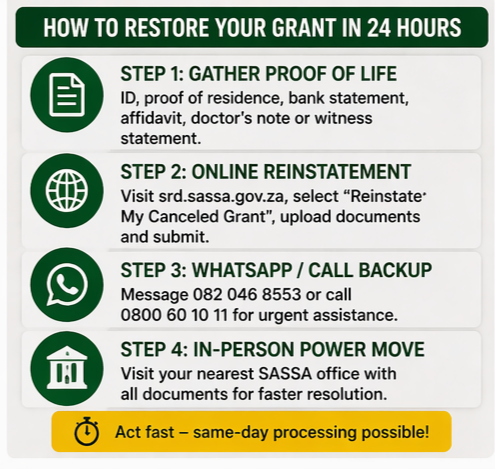
Speed is key—SASSA’s 2026 updates allow same-day processing for verified cases. Start immediately for results by next business day.
Step 1: Gather Proof of Life (Under 30 Minutes)
Collect your SA ID, proof of residence (utility bill), bank statement, and an affidavit swearing you’re alive. Snap clear photos on your phone. If possible, get a doctor’s note or witness statement from a local clinic.
Step 2: Online Reinstatement (Fastest Option, 10 Minutes)
Head to srd.sassa.gov.za. Click “Reinstate My Canceled Grant,” enter your ID and phone number, select “Wrongly marked deceased” as the reason, upload docs, and submit. You’ll get a reference number via SMS instantly—track it live.
Pro tip: Do this before 2 PM for same-day review, as per April 2026 portal speeds.
Step 3: WhatsApp or Call Backup (If Online Fails)
Message 082 046 8553 with your ID, reference, and “Deceased status error.” Or dial 0800 60 10 11, press 1 for grants, explain clearly. Agents escalate “life verification” flags for 24-hour turnaround.
Step 4: In-Person Power Move (For Complex Cases)
Visit your nearest SASSA office (find via sassa.gov.za locator) with prints of everything. Demand a “reinstatement form” and supervisor review—mention DHA mismatch for priority. Many resolve on-site.
Overcoming Roadblocks and Appeals
If rejected? Appeal within 90 days via email to grantsenquiries@sassa.gov.za or in person. Include extra proof like a fresh DHA verification (get at any Home Affairs office for R20). Rejections often stem from blurry docs or unmatched details—double-check uploads.
Fraud suspicions? SASSA investigates, but honest errors clear fast. Recent 2026 audits dropped irregular payouts by 99%, thanks to better DHA links.
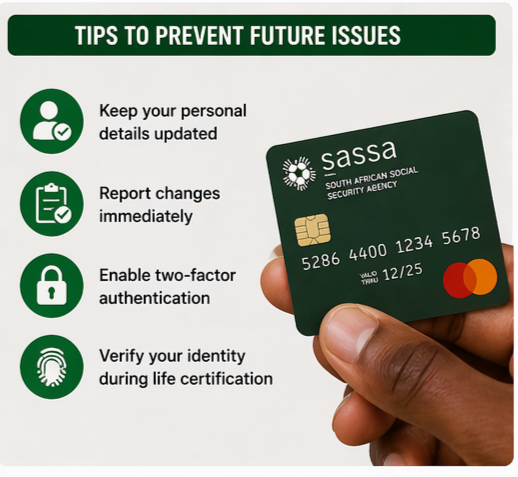
Prevent Future Headaches
Update your details yearly on the portal. Report changes like address or bank ASAP. Enable two-factor authentication and monitor DHA records via their app. During monthly verifications, biometric scans at paypoints help too.
What Happens Next?
Expect an SMS update within 24 hours: approved grants resume next cycle, backdated if delayed. Track via your reference—SASSA’s 2026 dashboard shows real-time status. If over 48 hours, follow up aggressively; persistence pays off.
This glitch disrupts lives, but SASSA’s fixes are quicker than ever in 2026. Stay proactive, and your grant flows again soon. You’ve got this—millions navigate it yearly without losing a step.