SASSA Status Shows “Referred”? Here’s Exactly What It Means and What to Do in 2026
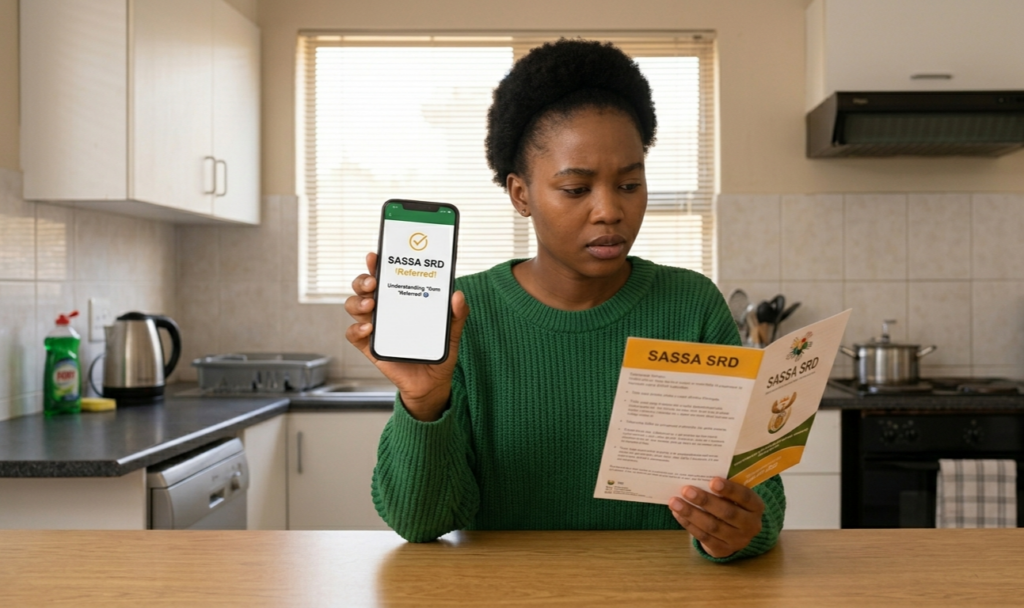
Seeing “Referred” on your SASSA SRD status can feel alarming, especially when you are counting on that R370 payment to cover your basic needs. But before you panic, it is important to understand that a referred status is not a rejection. It is actually one of the more positive status responses in the SASSA system. This guide explains exactly what it means, why it happens, and the precise steps to take to move your application forward as quickly as possible in 2026.
What Does “Referred” Mean on Your SASSA Status?
“Referred” means SASSA forwarded your application to the Department of Home Affairs for extra verification. This does not mean rejection. Your approval odds are between 80 and 90%. The SASSA system simply needs confirmation from the DHA before finalising your status.
In practical terms, your application has passed the initial screening but requires an additional layer of identity or eligibility confirmation before SASSA can approve and schedule your payment.
SASSA refers cases for manual review when the system identifies anomalies such as multiple grant applications linked to the same ID, shared phone numbers, or suspicious banking activity.
Common Reasons Your Status Shows “Referred”
Understanding why your application was referred is the first step to resolving it quickly:
Identity Details Do Not Match DHA Records— If there is a mismatch between your name, ID number, or date of birth as submitted on the SRD portal and what the Department of Home Affairs holds on record, even a single character difference causes an automatic verification flag.
eKYC Biometric Verification Not Completed— From September 2025, SASSA requires facial biometric verification for all SRD applicants. If your facial scan could not be matched against DHA records, or if you have not yet completed eKYC at all, your application will be flagged regardless of whether your written details are correct.
Multiple Applications Linked to One ID— The SASSA system flags cases where multiple grant applications are linked to the same ID number, which triggers a paper review to confirm the applicant’s identity and intent.
Suspicious Banking Activity Detected— If the system detects unusual transactions or shared banking details, it refers the application to SASSA officials for a manual review before any payment is processed.
DHA Records Outdated or Incorrect — If you recently changed your name or your DHA record has not been updated to reflect correct information, the automated system cannot complete the verification and will refer your case for manual resolution.
Step-by-Step: What to Do When Your SASSA Status Is “Referred”
Step 1 — Complete Your eKYC Verification Immediately
This is the single most important action to take. For eKYC verification when your SRD status shows “Referred,” enter your cellphone number used for the SRD application, then enter your Application ID exactly as shown on your SRD application. Request an OTP, retrieve the PIN from your SMS, and enter it on the verification page to proceed.
Biometric identity verification uses facial recognition technology to confirm that the person applying is the same person recorded in the Department of Home Affairs system. Liveness detection confirms you are physically present, and your live image is then compared against your official Home Affairs biometric records.
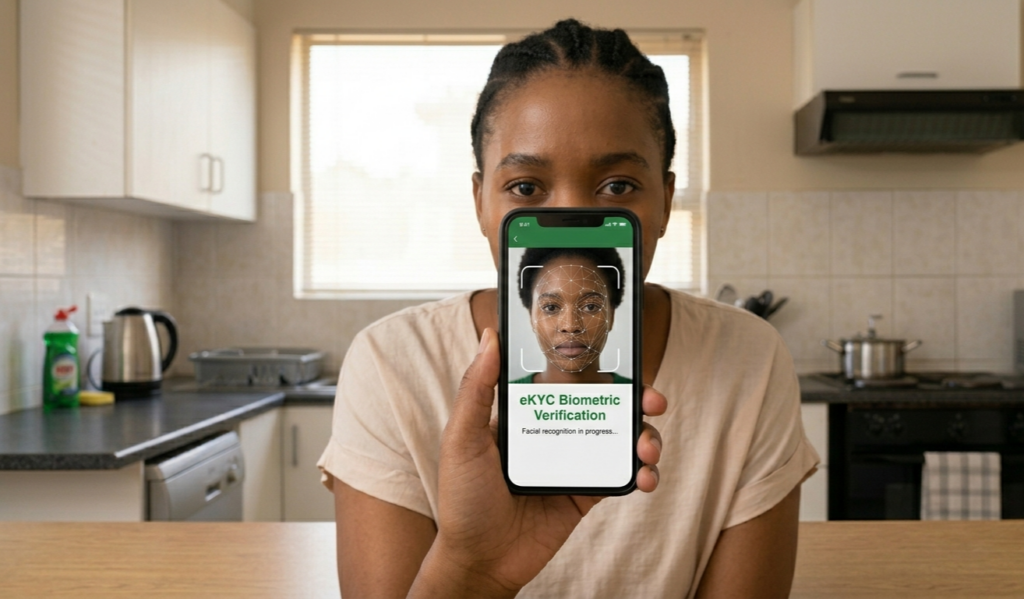
When completing your facial scan, ensure you are in good lighting, hold your camera steady, keep your face centred and unobstructed, and avoid filters or heavy makeup.
Step 2 — Check and Correct Your Personal Details on the SRD Portal
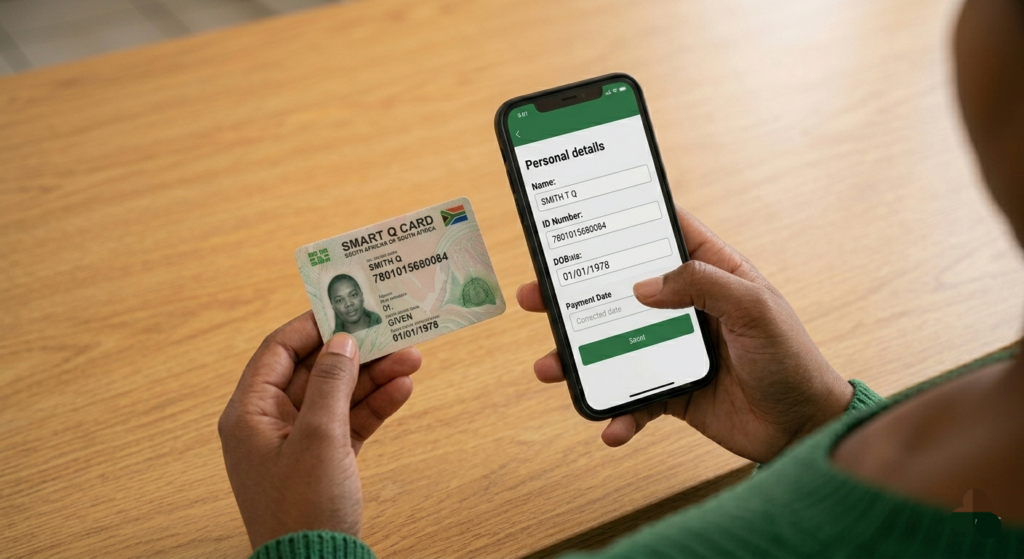
Log in to srd.sassa.gov.za using your South African ID number and registered phone number. Check every field against your ID exactly; name, surname, ID number, and date of birth. If you hold both a green barcoded ID book and a Smart ID card, use the Smart ID card as your reference, as its records are more current in the DHA database and produce a more reliable match.
Step 3 — Visit the Department of Home Affairs If Necessary
If your application details are correct but verification still fails, the problem may be at Home Affairs rather than on your application. Visit your nearest Department of Home Affairs office in person with your ID document, request a verification of your records, and correct any discrepancy. Once DHA updates their records, SASSA’s system will sync within a few days.

Step 4 — Do Not Reapply
In a moment of frustration, it is tempting to think your application has been lost and you should reapply. This is the worst thing you can do. Reapplying while your initial application is referred can confuse the system, create a duplicate entry, and potentially push you to the back of the queue. Wait for the referred status to be resolved through the correct channels.
Step 5 — Monitor Your Status Regularly
After completing eKYC verification, return to the SRD portal and re-check your status. If your status does not update immediately, allow time for processing and check again later. https://srd.sassa.gov.za/sc19/ekyc In most cases, once biometric verification is completed, your status updates within one to two weeks.
Step 6 — Contact SASSA Directly If No Change After Two Weeks
If your status remains unchanged after two weeks, revisit the SRD portal and contact SASSA at 0800 60 10 11
When calling, have your South African ID number, registered phone number, and application reference number ready to speed up the process.
What Happens After the “Referred” Status Is Resolved?
Once SASSA and the DHA complete the additional verification, your status will transition to one of the following outcomes:
Approved — Your application has passed all checks and a personal payment date will be assigned. Payments for the SRD R370 grant are processed individually and for April 2026, SASSA confirmed payment windows of 23–24 April and 29–30 April 2026.
Pending — The verification is still in progress. Continue checking your status weekly.
Declined — If verification ultimately fails, you will receive a specific reason and can lodge a formal appeal within 90 days at srd.sassa.gov.za/appeals/appeal.
Important Tips to Avoid a “Referred” Status in Future Months
– Always enter your name exactly as it appears on your South African ID document, no nicknames, abbreviations, or initials
– Register your SIM card in your own name before applying, as SASSA cross-checks phone number ownership
– Complete your eKYC biometric verification as soon as it is requested, the verification link is only valid for 72 hours
– Never share your banking details, OTP, or ID number with anyone claiming to assist you with your grant
– Only use the official SASSA portal at srd.sassa.gov.za and avoid third-party websites
Official SASSA Contact Details
SRD Status Portal — srd.sassa.gov.za
Toll-Free Helpline — 0800 60 10 11 (Monday to Friday, free of charge)
WhatsApp— 082 046 8553
Email — srd@sassa.gov.za
SASSA Website — www.sassa.gov.za
A referred status is a temporary hurdle, not a dead end. Act quickly, complete your eKYC verification, ensure your details match your official ID, and use only verified SASSA platforms to move your application to approval as smoothly as possible.