SASSA Grant Approved? Here Are the Exact Next Steps to Secure Your R370 Payment in 2026
Seeing “Approved” on your SASSA SRD status is the moment every applicant works toward. It means your application has cleared all eligibility checks and SASSA has confirmed you qualify for the R370 grant for that month. But approval is only the beginning, there are important steps you must take immediately after to ensure your payment reaches you without delay. This guide walks you through everything to do once your SASSA status shows approved in 2026.
What “Approved” Actually Means
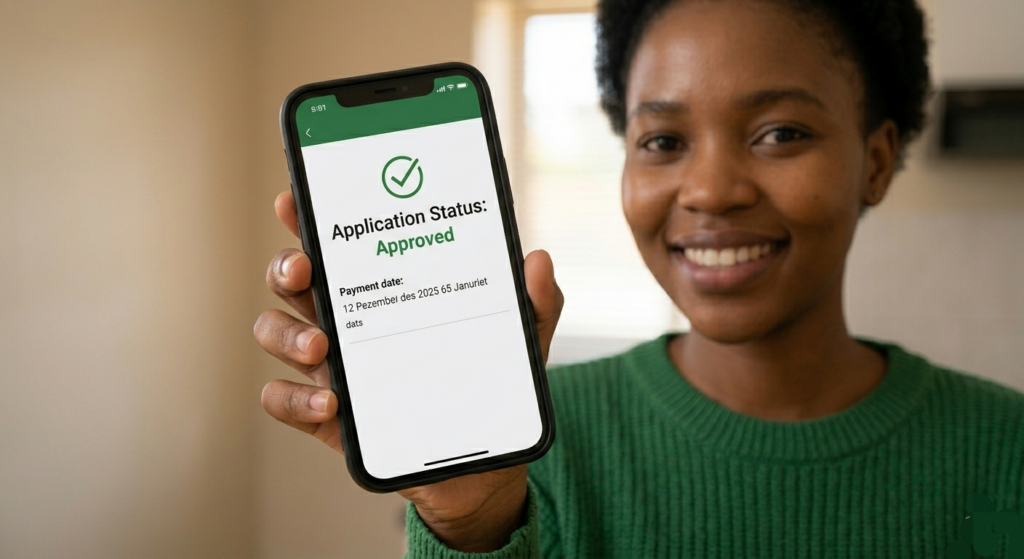
When your SRD status shows Approved, SASSA has completed verification and confirmed you qualify for the SRD grant for the selected month. This means your application cleared all eligibility checks for that period. However, approval does not automatically mean funds have been released, SASSA must still assign a payday and process the payment.
Understanding this distinction prevents unnecessary panic when funds do not reflect immediately after approval.
Step 1 — Find Your Personal Payment Date
The SRD R370 grant does not follow the same fixed schedule as other permanent grants. Each beneficiary receives a specific payment date known as a “Payday,” which is when SASSA sends the approved grant amount. Only beneficiaries with an approved status have a payday.
To find your assigned payment date, log in to the official SRD portal at srd.sassa.gov.za using your South African ID number and registered phone number. Your personal payday will be displayed once it has been assigned.
For April 2026, SASSA confirmed SRD payment windows of 23–24 April and 29–30 April 2026, giving recipients two separate windows to access their funds.
Step 2 — Confirm Your Banking Details Are Correct
If you are approved but unpaid, have no payday, or your payment fails to reflect, your banking details are one of the first things to confirm. Use the official update route and avoid third-party “bank update” links.
Key banking rules to verify right now:
– Your bank account must be registered in your own name and match your South African ID
– The account must be fully FICA-verified — SASSA will not pay into accounts that are not FICA compliant
– If your bank details are missing, incorrect, or still under the verification process, your payment will be delayed. Ensure that your details are submitted correctly and are verified by SASSA.
To update banking details, visit srd.sassa.gov.za scroll to the banking details section, enter your ID number, and follow the SMS verification process. SASSA may take up to 5 working days to verify updated banking details.
Step 3 — Choose and Confirm Your Payment Collection Method
SASSA offers multiple ways to receive your approved R370 grant. A personal bank account is the fastest way to receive funds reliably. After choosing and linking this option to your SASSA profile, funds get deposited directly into your account where you can withdraw from any ATM.
If you do not have a bank account, you can collect from Pick n Pay, Boxer, Shoprite, Checkers, or Usave by waiting for an SMS confirmation and bringing your phone for OTP verification at the collection point.
Payments sent through CashSend or Postbank cards often take longer due to technical issues, verification processes, or service delays. To receive payment faster, switching to a personal bank account is strongly recommended.
Step 4 — What to Do If You Are Approved But Have No Payment Date
Many approved beneficiaries experience this, their status says approved but no payday appears. This is common and not a cause for alarm.
SASSA manages thousands of applications daily. High volume creates backlogs that slow down payment date assignments. It is temporary, but it affects when you receive your payment.
If your status is approved but there is no payday, it means SASSA is still finalising your payment date. Once the payment date is displayed, you will be paid within 1 to 4 working days.
While waiting, take these actions:
– Check your status daily on srd.sassa.gov.za as paydays are added after the middle of each month
– Ensure your banking details are fully verified and up to date
– Do not resubmit your application or banking details unless something has genuinely changed
– Make checking your grant status a daily habit using the SASSA website or app to catch any updates to your payment schedule the moment SASSA announces them.
Step 5 — What to Do If Payment Does Not Reflect After Your Payday
If your assigned payday has passed and the money has not appeared in your account or at your collection point, follow these steps:
📌 Check your bank account directly— Allow 2 to 3 working days for processing after your assigned payday, as banking systems vary in speed.
📌 Verify your status again — Log into srd.sassa.gov.za to confirm your approval and payday are still showing correctly.
📌 Contact SASSA— Call the SASSA helpline at 0800 60 10 11. If the issue persists and your bank confirms no payment was received, visit your nearest SASSA office for direct support.
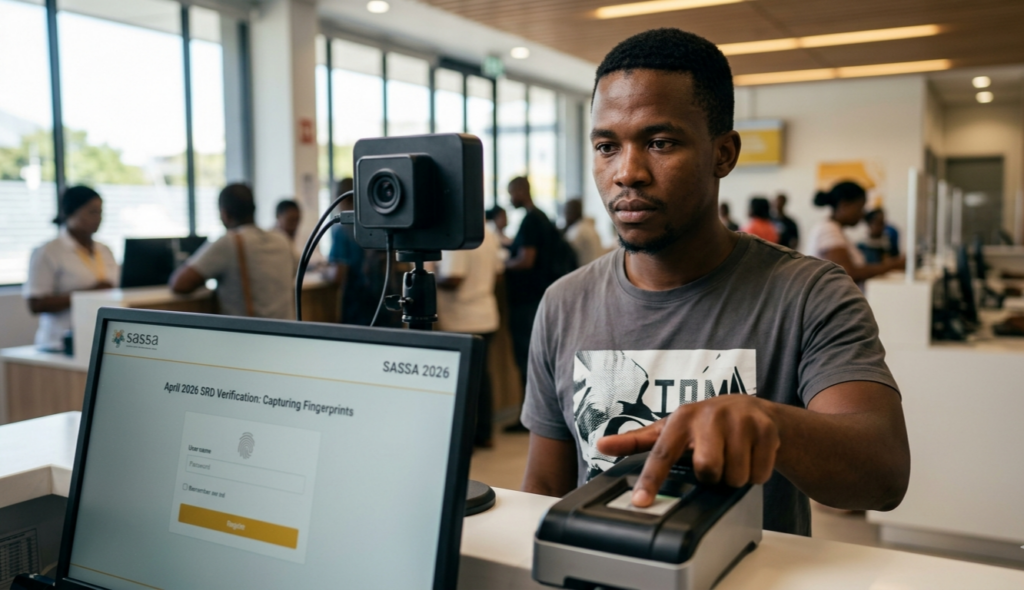
📌 Check for biometric verification requests — SASSA may send an SMS link requiring identity verification. Beneficiaries who do not complete the verification process will have their grants suspended until it is done.
Step 6 — Stay Eligible Every Month Going Forward
Approval for one month does not guarantee approval the following month. SRD eligibility is assessed monthly using data checks across government and financial systems, which is why a person may be approved in one month and declined in another.
To maintain your monthly approval:
– Keep your income below R624 per month
– Do not receive UIF, NSFAS, or any other government grant simultaneously
– Keep your registered phone number active and in your own name
– Complete any biometric or identity verification requests promptly
– Check your status every month — do not assume approval carries over automatically
Quick Status Check Methods for Approved Beneficiaries
SRD Portal —srd.sassa.gov.za — most detailed, shows payday
WhatsApp— Save 082 046 8553, send “Status” followed by your name and ID number
USSD — Dial \*120\*69277# — no data required, works on any phone
Moya App — Data-free app available on Google Play and Apple App Store
Toll-Free Helpline — 0800 60 10 11, Monday to Friday
An approved SASSA status is great news, but the work does not stop there. Confirm your payday, verify your banking details, choose the right collection method, and stay on top of your monthly status to keep your R370 grant flowing without interruption throughout 2026.