How to update bank details for SASSA SRD after verification fail in 2026
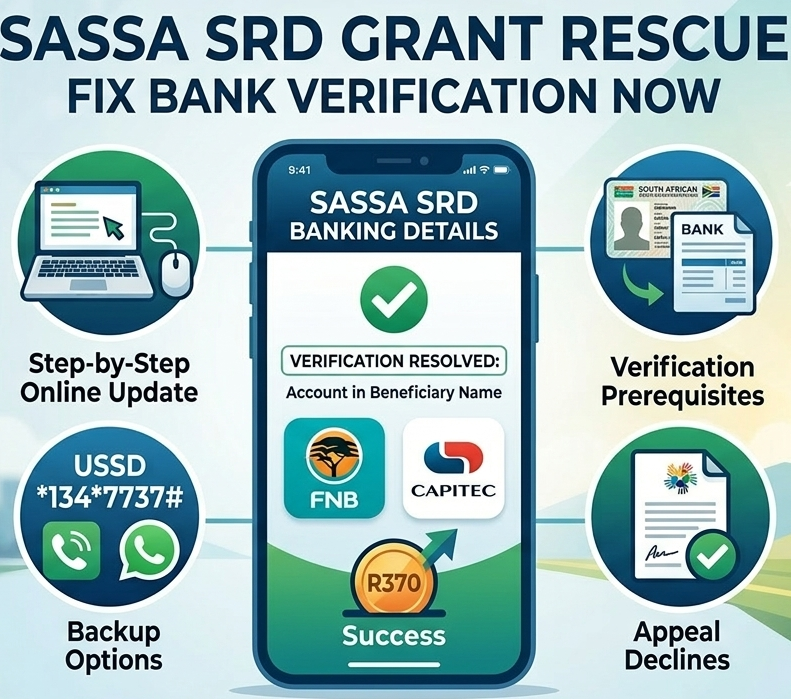
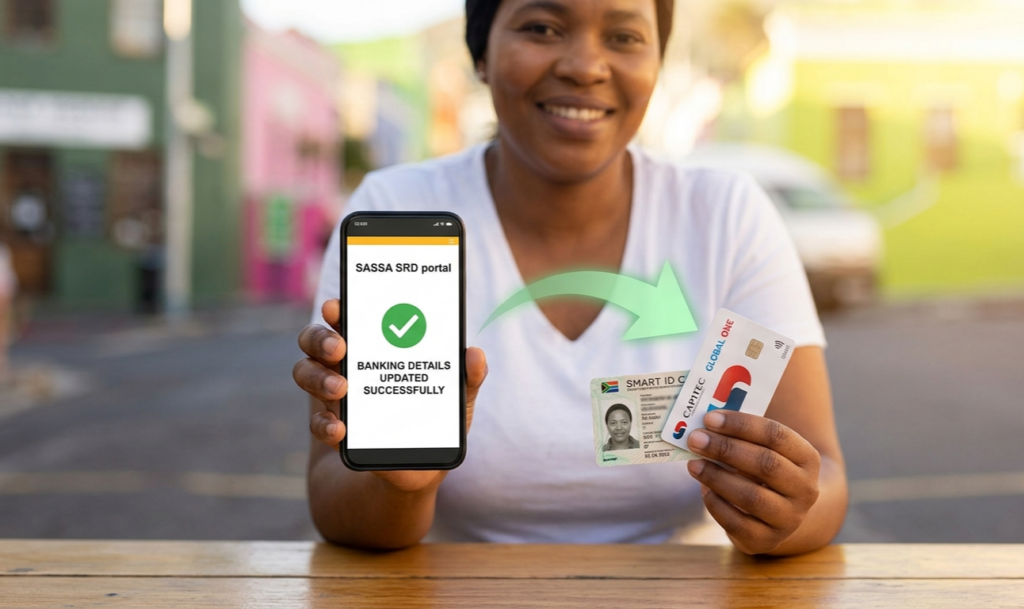
Updating bank details for your SASSA SRD grant after a verification failure is a straightforward process, but it requires precision to avoid further delays. As of April 17, 2026, SASSA mandates that the account must be in your name, active, and verified against your ID—common failure triggers include mismatched names, dormant accounts, or shared profiles.
Step-by-Step Online Update Process
The primary method is fully digital via the official SRD portal, designed specifically for SRD recipients to fix verification issues quickly.
– Go to srd.sassa.gov.za and scroll to the “How do I change my banking details?” section.
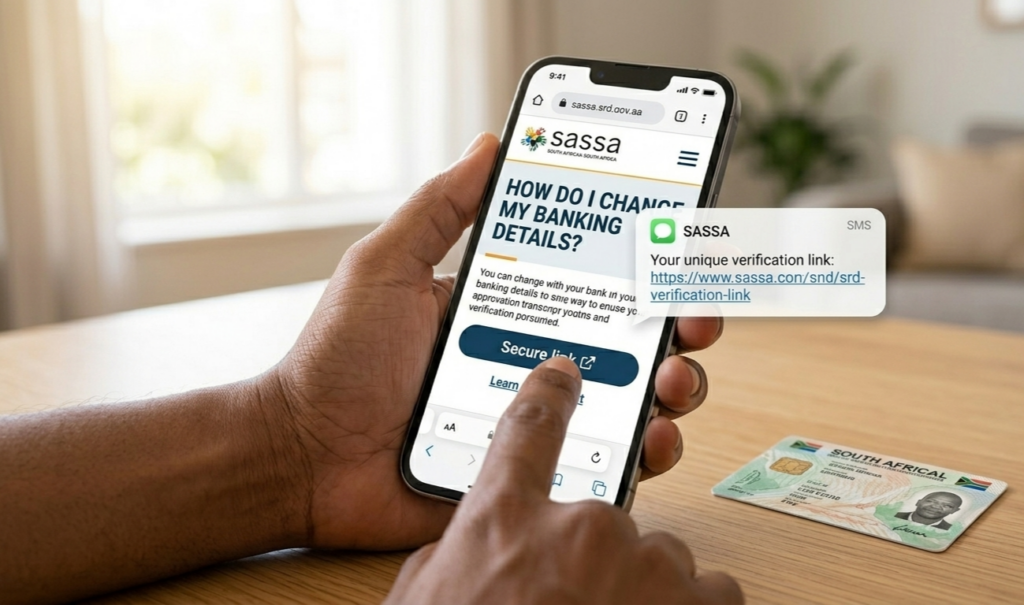
– Enter your 13-digit South African ID number, then submit—expect an SMS link on your registered phone (the one used for your application).
– Click the secure link promptly (it expires), re-enter your ID, input new details: bank name, account number, branch code. Double-check for accuracy, as errors restart verification.
Confirmation arrives via SMS; changes process in 7 working days. Use Chrome or Edge on stable data for best results.
Prerequisites for Successful Verification
Before updating, ensure your setup passes SASSA’s bank checks, tightened in 2026 to curb fraud.
– Choose a qualifying account like Capitec Global One, FNB Easy Account, or Absa Money Account—all low-fee and ID-linked.
– Confirm RICA-compliant phone registration; SASSA cross-references with your bank for name/ID matches.
– Avoid Postbank or shared/family accounts post-failure—these often flag as “not in beneficiary name.”
If your phone changed, update it first via the same portal under contact details.
Backup Options if Online Fails
Portal glitches happen during high-traffic periods like April payouts, so have alternatives ready.
– Dial USSD *134*7737# for menu-guided updates—follow prompts for banking changes without internet.
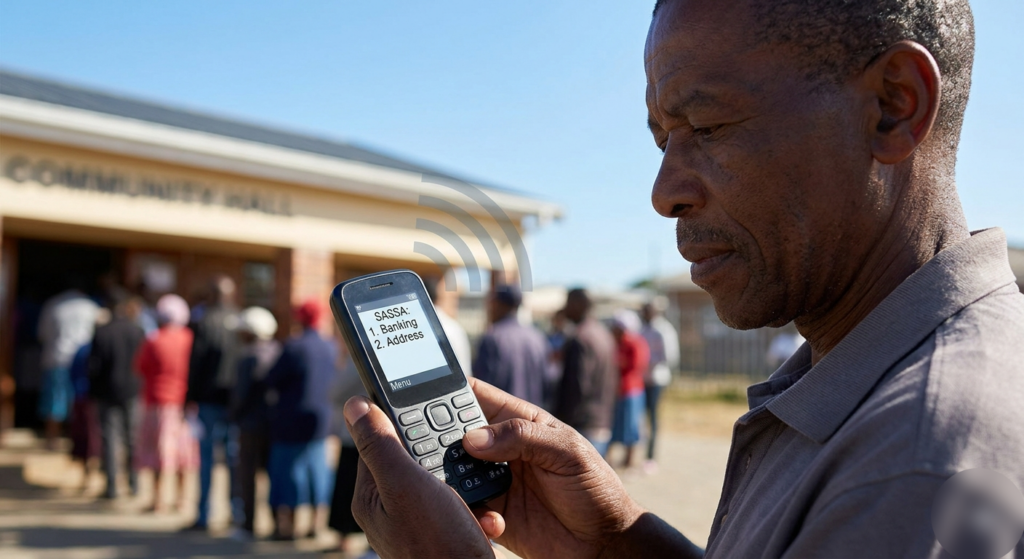
– WhatsApp 082 046 8553 with your ID for a verification link, then submit details securely.
– Visit a SASSA office as last resort: Bring ID, bank statement, and complete the Payment Method Change Form with biometrics—no fee required.
Helpline 0800 60 10 11 confirms status post-update.
Common Pitfalls and Quick Fixes
Verification fails to recur from sloppy inputs, so proactive habits prevent repeats.
– Screenshot every confirmation and status checks for disputes.
– Wait 7 days before re-checking status at srd.sassa.gov.za—rushing prompts unnecessary resubmissions.
– If declined again, appeal via srd.reconsiderations.gov.za within 30 days, attaching bank proof.
This process resolves 90% of bank verification issues, ensuring your R370 hits the right account on time.