Common Errors During SASSA e-Life Biometric Verification & Their Solution.
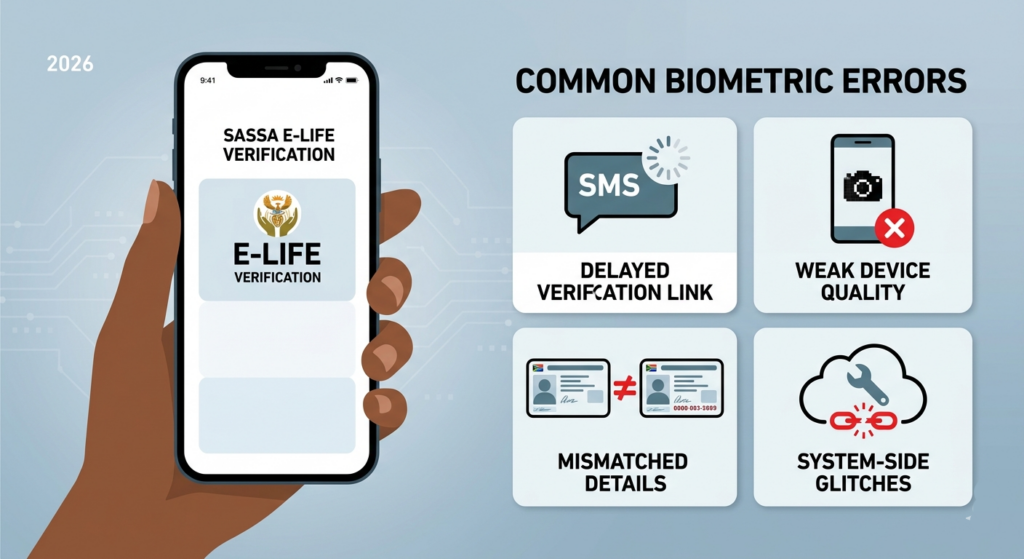
SASSA’s e-Life biometric verification is meant to protect grants from fraud, but many beneficiaries still run into avoidable problems during the process. The most common issues are usually linked to poor connectivity, mismatched personal details, weak device quality, or delays in receiving the verification link. In some cases, the system itself may also experience temporary glitches, which can frustrate users even when their information is correct.
Why verification fails
A major reason for failure is that the verification link does not arrive on time or at all. Reports in 2026 noted that some beneficiaries could not complete biometric verification because the Home Affairs side of the process was delayed or unavailable when the link was expected. When that happens, the person is stuck waiting even though they are trying to comply.
Another common problem is a poor-quality smartphone camera or unstable internet connection. The biometric system relies on a clear face scan, and if the image is blurry, dark, or interrupted, the system may reject it. Many users also struggle because the process expects a device that can handle the facial capture smoothly, which is not always possible on older or low-end phones.
Identity-related errors
A frequent issue is a mismatch between the details on the SASSA record and the beneficiary’s actual identity documents. If the ID number, name format, or contact information is wrong, the system may not allow verification to continue.This is especially frustrating for beneficiaries who changed phone numbers and forgot to update them with SASSA.
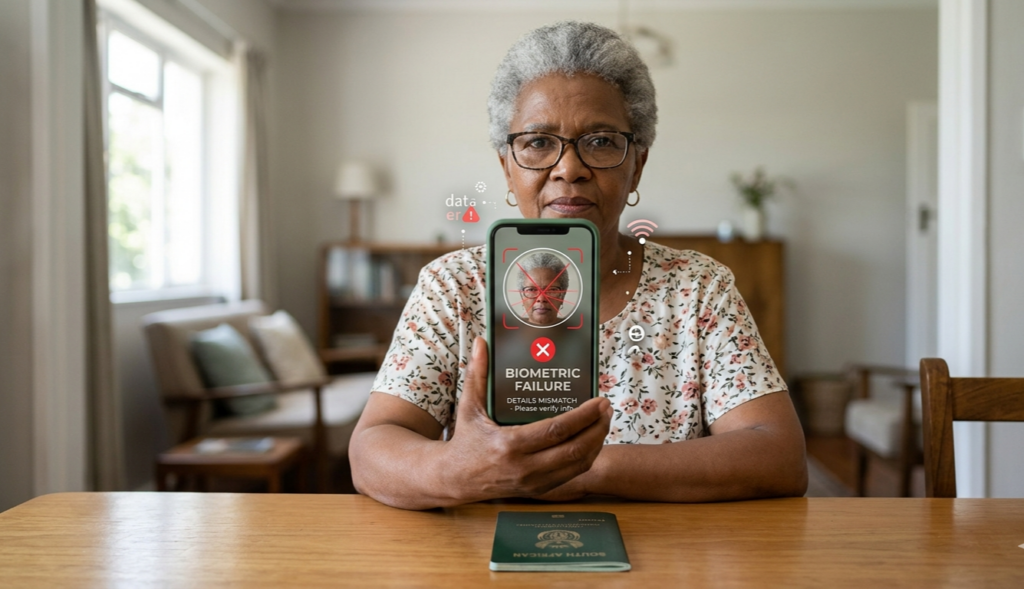
Photo quality can also create problems. Beneficiaries with older green ID books or outdated Home Affairs images may have a higher chance of biometric failure because the reference image is too weak for accurate matching. In other words, the system may struggle to compare the live face scan with the official record.
Device and user mistakes
Some failures happen because the beneficiary does not follow the camera instructions closely enough. The biometric process may require you to face the camera directly, remove glasses if asked, keep your head steady, or make specific expressions during capture. If these instructions are rushed or ignored, the system may reject the attempt.
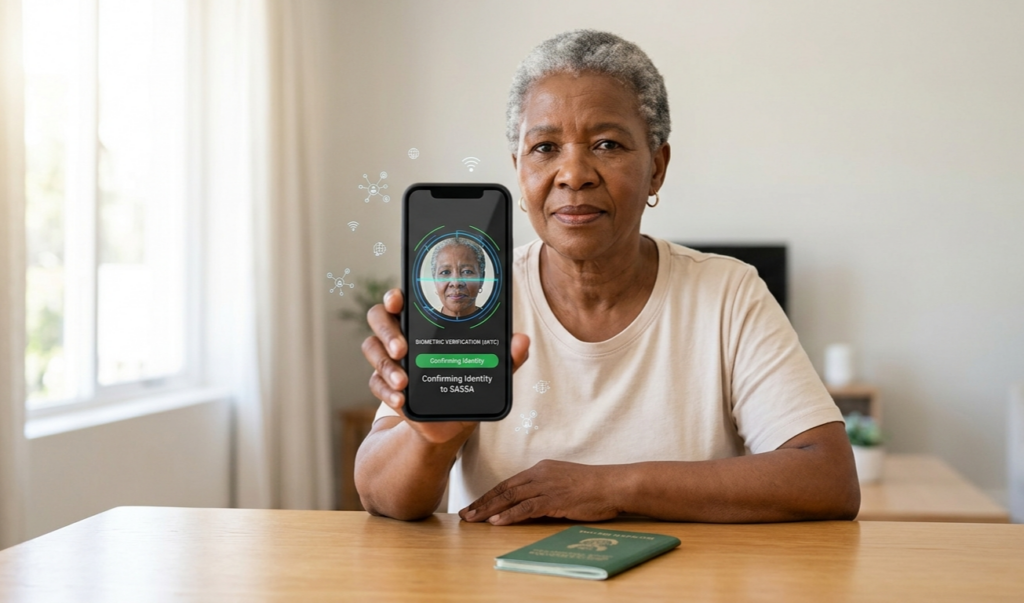
Other errors include using a browser that is not supported, switching screens too quickly, or closing the page before the process finishes. These are simple mistakes, but they can force the beneficiary to start over and may lead to repeated failure messages. A weak battery or a dropped internet connection can create the same problem.
System-side problems
Sometimes the beneficiary is not at fault at all. SASSA has had temporary disruptions in its self-service and biometric systems, and April 2026 reports confirmed that the portal experienced glitches before service was restored. During periods like that, even users with correct details may still be unable to finish verification.
There are also reports of people being placed on referred or review status shortly before payment, which means they suddenly have to complete biometric verification without much warning. That creates panic because many beneficiaries only discover the issue when they are already expecting payment.
Fixes that usually work
– Try again later if the portal is slow or unavailable, because SASSA has already acknowledged temporary system issues and restored service.
– Make sure your cellphone number is active, registered to you and matches the one SASSA has on file, because that is often where the verification link is sent..
– Recheck your ID details, names, and grant information before submitting. If your details have changed, update them before starting the process.
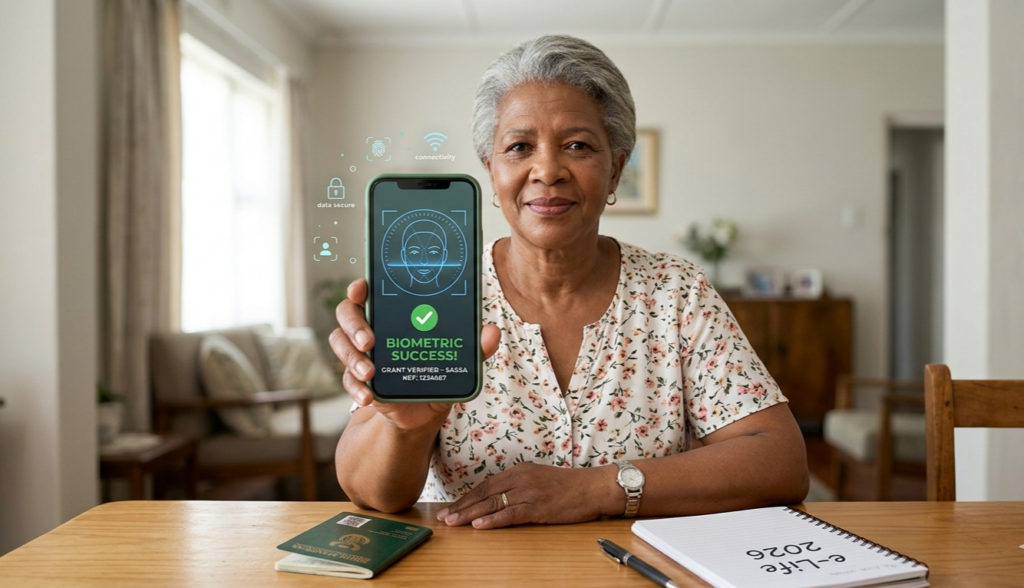
– Use a stable internet connection and a phone with a working camera.To reduce problems, use a fully charged smartphone with a good camera, stable internet, and enough storage.
– Follow up through official SASSA channels if the biometric link never arrives, since some verification failures are caused by upstream system issues.
When to escalate
If you have tried again, but the portal still fails, or you never receive the biometric message, contact SASSA immediately and ask for manual assistance. This is important because SASSA has linked e-Life Certification compliance to avoiding delays or disruptions in grant payments.
Keep your phone number updated, respond quickly to SASSA messages, and complete certification as soon as you are notified. That lowers the chance of suspension, delays, or repeated verification errors