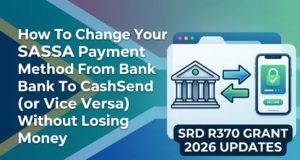
How To Change Your SASSA Payment Method From Bank To Cash Send (or Vice Versa) Without Losing Money
Switching your SASSA payment method between bank deposits and CashSend keeps your grant funds secure and flowing smoothly. This guide walks you through the latest 2026 process, ensuring no money slips through the cracks.
Why Switch Payment Methods?
Life changes fast—maybe queues at retailers frustrate you, or banking fees eat into your grant. CashSend lets you collect cash at shops like Pick n Pay or ATMs with just your phone and ID, no bank needed.
Bank payments offer direct deposits for easier saving or transfers. The key? Time your switch right so your next grant hits the new method without delay or reversal.
No risk of loss if you verify details upfront and submit early each month. SASSA processes changes without deducting funds already approved.
Eligibility Basics
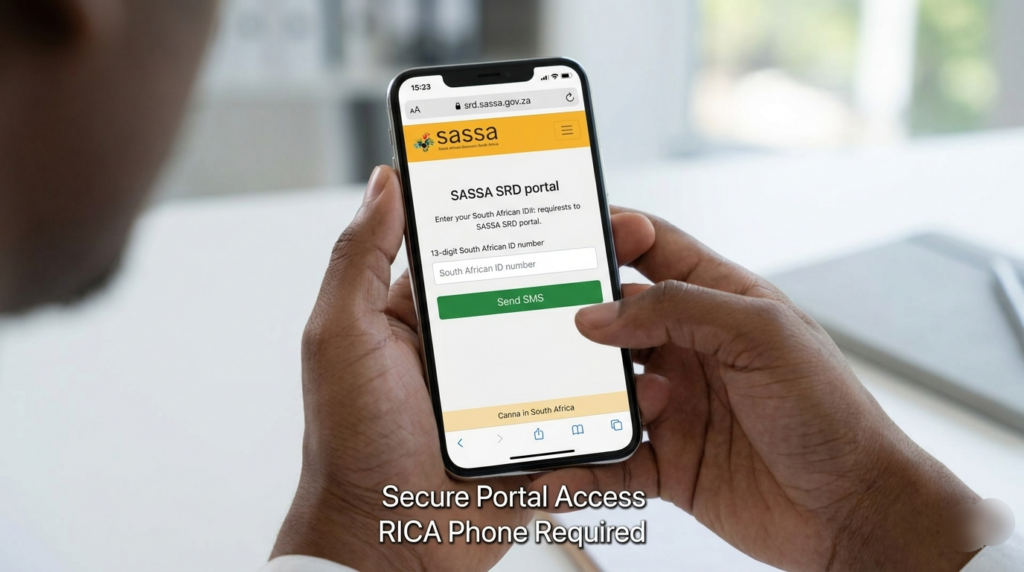
Confirm you’re an approved SRD R370 grant recipient—open to unemployed folks over 18 with valid ID. Your phone must be RICA-registered in your name for CashSend.
Bank switches require an account solely in your name, matching your ID. Permanent grants like old-age follow similar rules but may need office visits.
Check status first on srd.sassa.gov.za to avoid rejected requests that stall payments.
Step-by-Step: Bank to CashSend
Start online at https://srd.sassa.gov.za—it’s free and quick. Enter your 13-digit South African ID number, then hit “Send SMS.”
Grab the secure link from your SMS. Click it, choose “CashSend” or “eWallet,” and confirm with your RICA phone, no uploads needed.
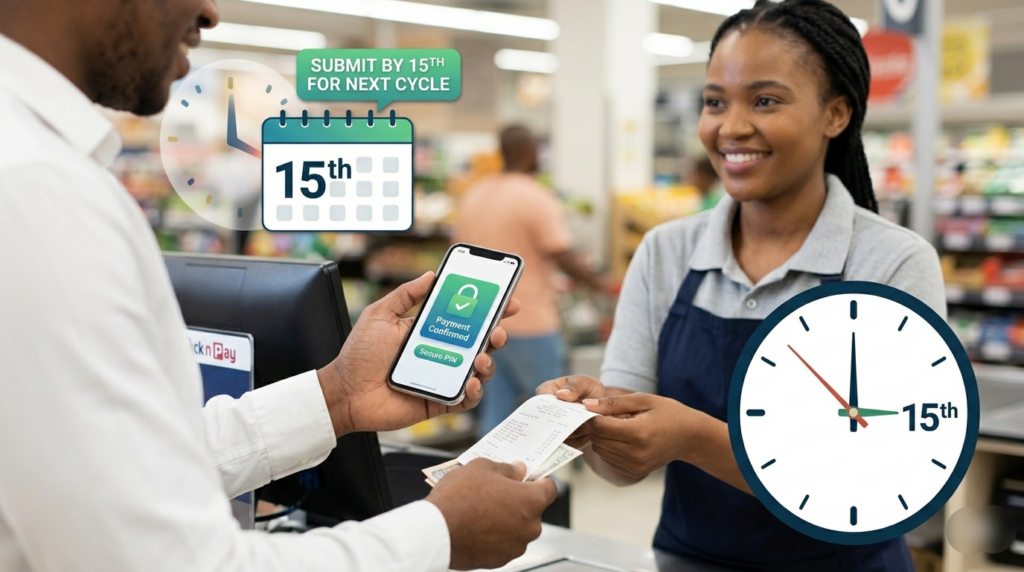
Submit before the 15th for next-cycle effect; otherwise, wait another month. Expect a confirmation SMS in 24-48 hours.
Collect via voucher PIN at stores—your grant arrives intact, no bank glitches.
Step-by-Step: CashSend to Bank
Same site: srd.sassa.gov.za. Input ID, follow SMS link to the “Change Banking Details” section.
Select “Bank Account,” enter your name-matching details: bank name, account number, branch code. Double-check for typos—mismatches cause bounces.
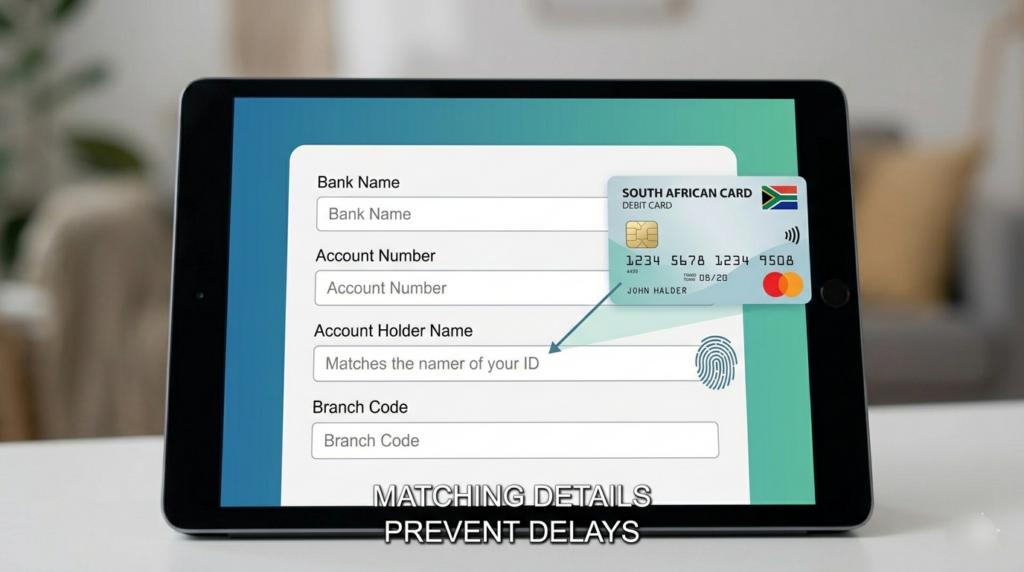
Processing takes 5-7 working days for verification. Your pending grant shifts over seamlessly if submitted early.
Timing Your Switch Perfectly
Changes apply to the next payment run, typically month-start. Mid-month requests roll to the following cycle—plan ahead.
For April 2026 payments, act by March 15th. Track via SMS updates or the portal to confirm activation.
Avoid last-minute rushes; SASSA’s system queues requests FIFO, preventing overload delays.
Avoiding Payment Losses
Funds approved pre-switch deposit as usual, SASSA doesn’t claw back. If a bank rejects (wrong details), it reverts or reissues without loss.
Use only your RICA phone; shared numbers trigger fraud flags and holds. Update contact info simultaneously if needed.
Monitor your portal dashboard weekly. Unclaimed CashSend vouchers expire after 3 months but auto-revert to your profile.
Alternative Channels
WhatsApp SASSA at 082 046 3387: Type “Update details,” follow prompts for CashSend or bank shifts. Upload bank statements if prompted.
Call 0800 60 10 11 for voice guidance, but online remains fastest. Offices handle permanent grants—bring ID and proof.
Avoid scams promising instant changes; stick to official channels.
Troubleshooting Delays
No SMS? Check signal, spam folder, or re-enter ID carefully. Portal errors often fix with cache-clear browser refresh.
Bank verification fails? Ensure no freezes or name mismatches. Resubmit after corrections—SASSA notifies issues.
If stuck over 7 days, WhatsApp or visit a SASSA branch with your latest payslip SMS.
Security Tips
Never share OTPs or PINs—phishers target grant users. Official links start with srd.sassa.gov.za only.
Lock your phone with PIN; CashSend needs it for collection. Report theft immediately via helpline to freeze vouchers.
Regularly review statements spot anomalies early.
FAQs on Seamless Switches
Master these steps, and your SASSA funds stay safe while adapting to your needs. Stay proactive—check the portal monthly for 2026 updates.