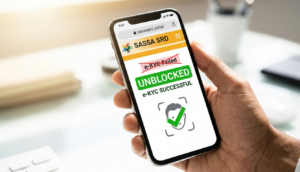
If Your SRD Is Blocked Because of ‘e‑KYC Failed’, Here’s How To Unblock It Today
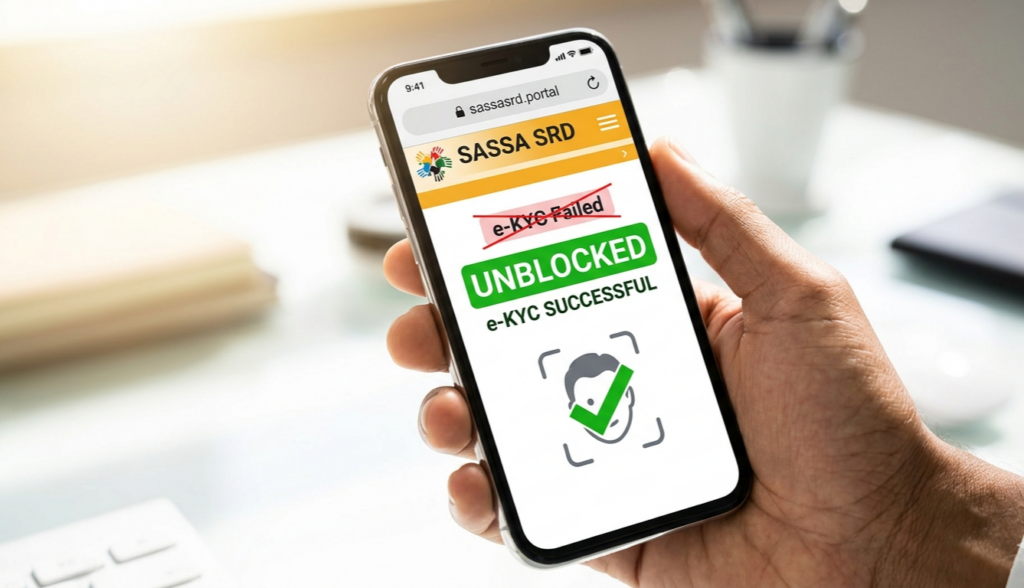
Frustrated seeing “e-KYC Failed” blocking your SASSA SRD grant? You’re not alone, thousands face this daily, but fixes exist right now in April 2026.
What Does e-KYC Failed Mean?
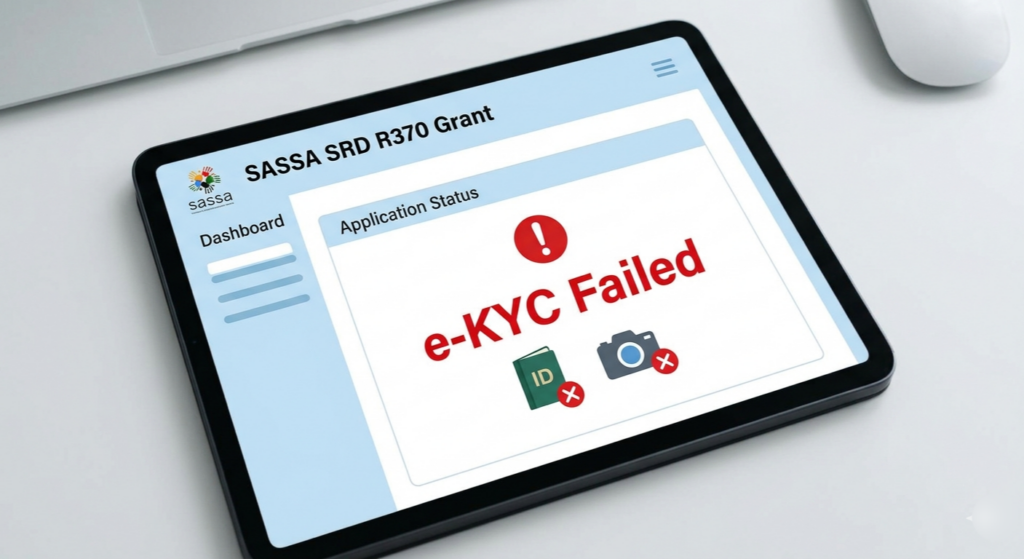
e-KYC stands for electronic Know Your Customer, SASSA’s biometric system matching your face to Home Affairs ID records. A “Failed” status blocks payments, new applications, and updates like phone or bank details.
This happens from poor lighting, camera glitches, mismatched details, or max attempts hit during facial scans. As of April 24, 2026, the system is fully operational post-maintenance, so unblocking is straightforward.
Check Your Current SRD Status First
Always start here to confirm the exact issue. Visit srd.sassa.gov.za, enter your ID and phone number, then request the OTP via SMS.
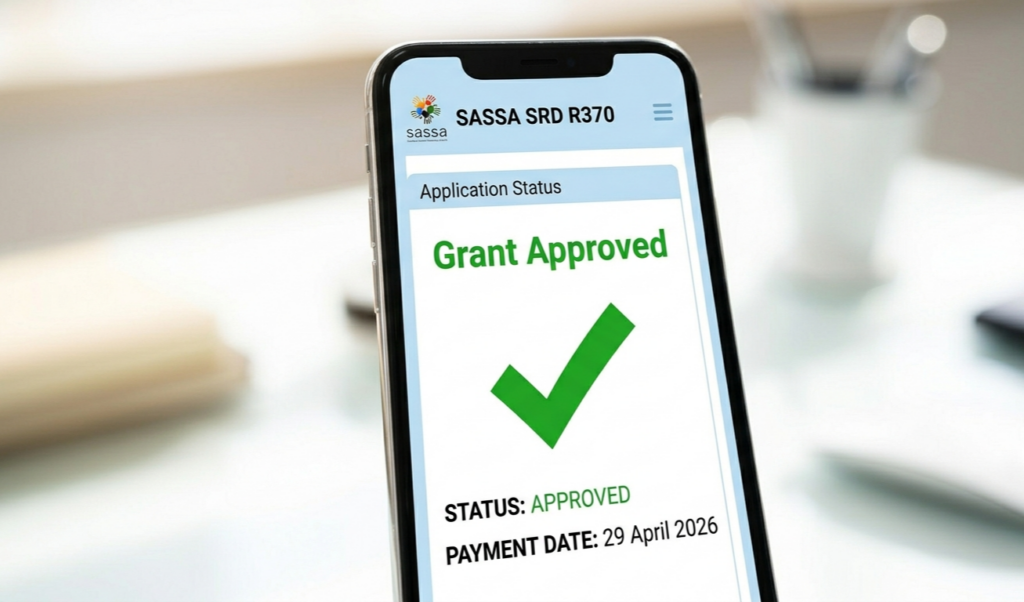
Your dashboard shows statuses like Approved, Pending, Declined, or e-KYC Failed. If blocked, note any verification links or “Reverification Not Allowed” warnings—these guide next steps.
Do this monthly, as statuses roll over; ignoring it locks future grants at R370 per month.
Quick Prerequisites Before Unblocking
Update Home Affairs details first—ensure name, ID, and phone match exactly. Link your active cellphone to your ID via DHA services if needed.
Use a strong phone camera, stable internet, and Chrome browser. Clear cache and avoid VPNs, as they trigger fraud flags.
Step-by-Step: Unblock Via Official Appeal
Head to srd.dsd.gov.za/sc19/appeal. Input your ID and application phone number, then enter the SMS PIN.
Select “Identity Verification Failed” as reason. Upload fresh ID copy and explain briefly, like “Facial mismatch due to lighting—retrying now.”
Submit within 30 days of failure; appeals process in 5-10 business days. Track via the same portal.
Retry e-KYC Biometric Verification
If appeal succeeds or no pending request shows, restart e-KYC directly. Log into SRD portal, find the verification section, and click “Verify Identity.”

Position phone at eye level in bright, even light—no hats, glasses, or shadows. Hold still for 10-15 seconds as it scans.
Success shows “Verified”; failure prompts one more try. Max attempts reached? Wait 24 hours or appeal again.
Update Bank and Contact Details Post-Unblock
Once verified, edit banking—must match your name exactly, no third-party accounts. Add valid IBAN/SWIFT if switching banks.
Confirm payment date appears (usually 25th-31st monthly). If “Approved but No Pay,” recheck details.
Common Pitfalls and How to Avoid Them
Weak signals or old phones cause 40% of failures—switch to data or better device. Multiple failed scans lock “Reverification Not Allowed”; appeal resets it.
Ignore scam sites promising instant fixes; stick to srd.sassa.gov.za only. e-KYC suspension ended months ago, so no delays from that now.
What If Appeal Gets Rejected?
Rare, but if details still mismatch, visit a SASSA office with ID and proof of residence. They manually verify and escalate.
For UIF-registered issues showing “Pending,” submit exemption proof via portal. Reapply fresh if all fails, but only post-verification.
Timeline: When Will Funds Arrive?
Successful unblock today? Expect verification in 1-3 days, approval in a week, payment by next cycle end.
April 2026 payouts run April 25-May 5; act now to catch it. Monthly checks prevent repeats.
Prevention Tips for Smooth SRD Access
Verify e-KYC yearly, even if approved. Use face ID apps to practice scans.
Keep Home Affairs and bank details synced. Enable two-factor on your phone for OTP reliability.
Final Thoughts on Staying Grant-Ready
Unblocking e-KYC failed takes minutes if done right—don’t let it derail your R370 lifeline. Official channels work; patience pays off.
Bookmark srd.sassa.gov.za and check weekly. You’ve got this—your grant awaits.