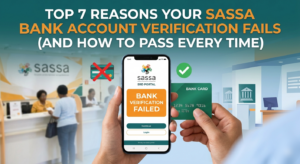
Top 7 Reasons Your SASSA Bank Account Verification Fails (And How To Pass Every Time)
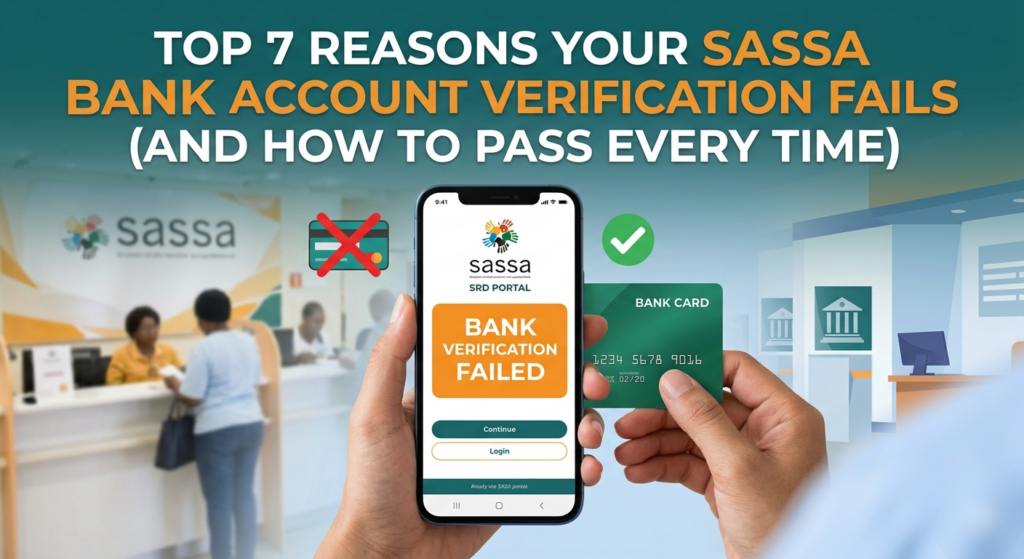
If your SASSA SRD or other grant status shows “bank verification failed,” “bank details pending,” or no payment despite approval, chances are your bank verification slipped through a crack in the system. In 2026, SASSA’s backend is stricter and more automated, so even small mismatches can block your funds. Below are the top 7 real‑world reasons your SASSA bank verification fails, plus clear, practical steps to fix and prevent them every time.
1. Name or ID details don’t match your bank
The most common reason for a “bank verification failed” message is a mismatch between what SASSA has on record and what your bank shows. Examples include:
– Your ID name has a middle name that your bank profile does not.
– Your ID shows “John M. Nkosi” while the bank only has “John Nkosi.”
– You updated your surname after marriage, but your bank still holds your maiden name.
How to pass verification:
– Visit your bank branch with your SA ID and request a full name check on your profile.
– Ask them to update any spelling errors, middle names, or surnames to match your ID exactly.
– Then log in to the official SASSA SRD portal, update your banking details, and submit again.
2. Using an inactive or dormant bank account
SASSA can only send money to active, live accounts. If you submit an account that has been unused for months, lacks recent transactions, or is flagged as dormant, the bank may not confirm it, and SASSA will reject the verification.
How to pass verification:
– Make a small deposit or withdrawal (even R10–R20) to reactivate the account.
– Confirm via online banking or an ATM that the account is active and not frozen.
– Then update that same account on the SASSA SRD site and re‑submit; avoid switching accounts without first confirming activity.
3. Wrong or incomplete bank details during submission
A single typo in your account number, branch code, or even the bank name can cause SASSA’s verification to fail.For example:
– One digit off in the 10–12‑digit account number.
– Using an old branch code instead of the current one.
– Selecting the wrong bank from the drop‑down list.
How to pass verification:
– Before submitting, open your banking app or cheque‑book and copy:
– Full bank name (e.g., “Standard Bank SA Ltd,” not just “Standard Bank”).
– Exact 6‑digit branch code.
– Full account number without spaces or dashes.
– Paste these into the SASSA form carefully, then review twice before submitting.
4. Using someone else’s bank account
SASSA payments must go into an account that is legally in your own name. Trying to route funds into a friend’s, partner’s, or family member’s account will trigger fraud checks and cause an automatic verification failure.
How to pass verification:
– If you’re struggling to open your own account, visit a bank branch with your ID and proof of residence to open a free entry‑level account.
– Once that account is active, update your banking details on the official SRD portal (srd.sassa.gov.za) and ensure only your name appears on the account.
5. FICA or identity verification issues
In 2026, SASSA relies more on FICA (Financial Intelligence Centre Act) and biometric checks. If your bank hasn’t fully completed FICA on your account, or if your documents are expired, SASSA may flag the verification as “pending” or “failed.”
How to pass verification:
– Go to your bank branch with a valid ID, proof of residence, and, if required, proof of income or employment.
– Ask specifically: “Is my account FICA‑compliant, and are all my documents up to date?”
– If they update your profile, online verification on SASSA usually clears within 24–48 hours.
6. Biometric or eKYC verification not completed
Many SRD and other SASSA users now receive biometric or eKYC prompts (selfie plus ID verification) via SMS or the official portal. If you ignore or miss this step, your account may be marked as “identity verification pending,” and payments will not pass through.
How to pass verification:
– Check your phone for any SMS or WhatsApp messages from SASSA or the SRD portal.
– Follow the link to capture a clear selfie alongside your SA ID in good lighting.
– If the 72‑hour window expired, contact SASSA’s toll‑free line (0800 60 10 11) or visit a local SASSA office to request a new eKYC link.
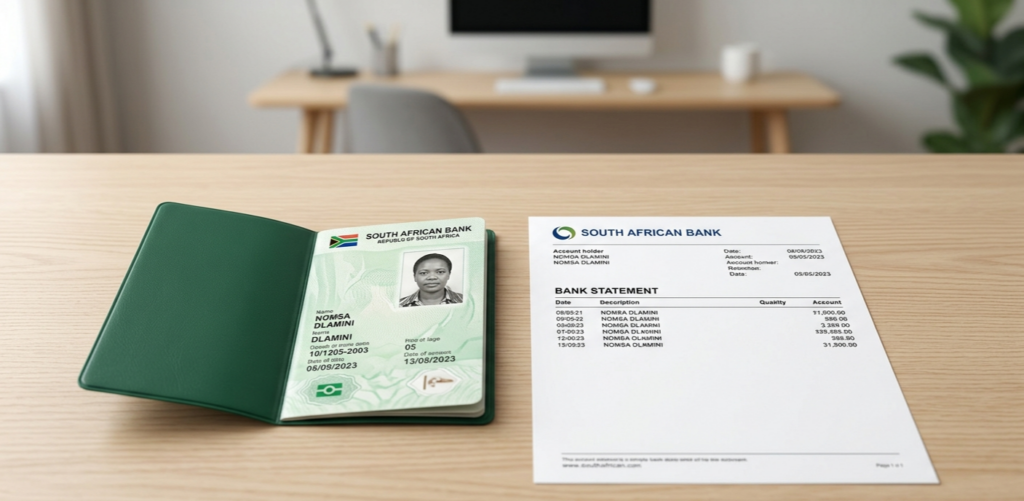
7. Blocked or restricted accounts due to fraud or bank flags
If your account has been flagged by the bank for suspicious activity, frequent reversals, or links to fraud cases, SASSA may see it as “high risk” and reject the verification.
How to pass verification:
– Contact your bank’s customer service and say: “I want to confirm if my account is blocked, restricted, or flagged for fraud.”
– Ask them to lift any unnecessary restrictions and provide written confirmation if needed.
– After the bank clears the account, update your banking details on the SASSA SRD portal and request a new payment re‑issue.
Final tips to pass SASSA bank verification every time
– Always double‑check that your SASSA ID name, surname, and middle names match your bank exactly.
– Only use an active, FICA‑compliant account in your own name.
– Re‑submit bank details only after fixing the underlying issue; don’t keep retrying with the same wrong information.
– Use the official SASSA SRD portal or SASSA offices—never third‑party apps or websites that promise “instant verification.”
By addressing these 7 common causes, you significantly increase your chances of a smooth SASSA bank verification cycle in 2026 and avoid the stress of missing payments.