How to update phone number for SASSA grants
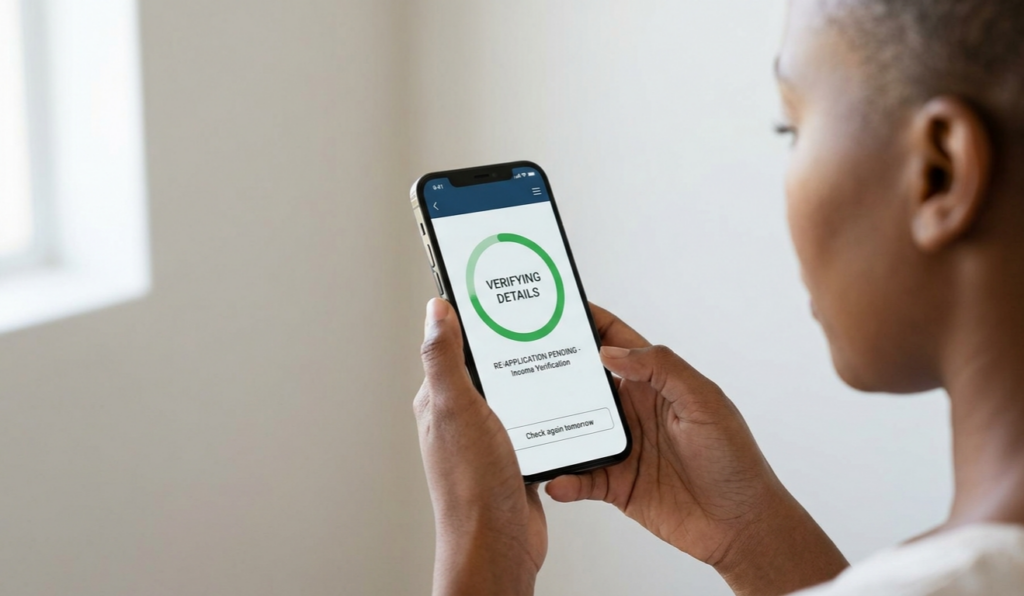
If your phone number has changed, you must update it with SASSA so you can still receive SMS notifications, payment alerts, and status‑check codes. In 2026 you can update your SASSA grant phone number both online (for SRD and some other grants) and offline via call‑centre or office visits.
Online: Update phone number for SRD (R370) grants
The easiest way in 2026 is to use the SRD portal to change contact details.
Steps (2026‑friendly route):
1. Open a browser and go to the official SRD page:
–
https://srd.sassa.gov.za
– Then follow the “Change Contact Details” or “Update Contact Information” link (often under the main SRD menu).
2. Enter your 13‑digit South African ID number and your Application ID (if you don’t know it, check your SRD status page first; it will show your Application ID).
3. Click Submit or Verify, then fill in your new cellphone number and optionally your email address.
4. Read the reason‑for‑change prompt and select the appropriate option (e.g., lost phone, changed number).
5. Submit again and wait for an OTP (one‑time pin) sent to your new number.
6. Enter the OTP on the page and confirm; the system will display that your contact details have been updated.
You can only submit one change‑contact request every 24 hours, so avoid repeating the process until the first attempt is processed.
If you cannot find your Application ID
Many users now search “how to change SRD phone number without application ID.”
– First check your SRD status page using your ID and old phone; the screen usually lists your Application ID.
– If you still cannot get it, you can either call the SASSA call‑centre or visit an office to request the link or steps to update your number.
Online: General SASSA grant phone‑number updates
For non‑SRD grants (Older Person’s, Disability, Child Support, etc.), you can sometimes update contact details via:
– The main SASSA website or linked status‑check pages that allow you to correct your cellphone number after logging in with your ID.
– Some newer processes now combine biometric or identity verification (face scan or ID‑check) before letting you change your phone number online.
If an online field exists for “contact details” or “mobile number,” follow the same pattern:
– Enter your ID, verify your identity, type the new number, confirm with OTP, and save.
Offline: Call‑centre and office options
If you have no internet or your old SIM is switched off, you can still update your number offline.
By phone:
– Call the SASSA national call‑centre at 0800 60 10 11 and ask the agent to update your registered mobile number.
– This can take time due to long queues, so be patient and have your ID ready to verify.
In person:
– Visit your nearest SASSA office with your ID document, proof of address (if requested), and your new phone.
– Staff will verify your identity and update your mobile number in the SASSA system so future SMS alerts and payment confirmations go to the new number.
What to watch out for
– Only use the official SASSA or SRD domains (like srd.sassa.gov.za); avoid fake “status” or “change‑number” sites that ask for banking PINs or passwords.
– Never pay anyone to change your SASSA phone number—real updates are free and done through SASSA channels.
By following these 2026‑aligned steps, you can safely update your SASSA grant phone number online or via call‑centre/office and keep receiving payment alerts and status messages without interruption.