How to check SASSA grant status online in 2026
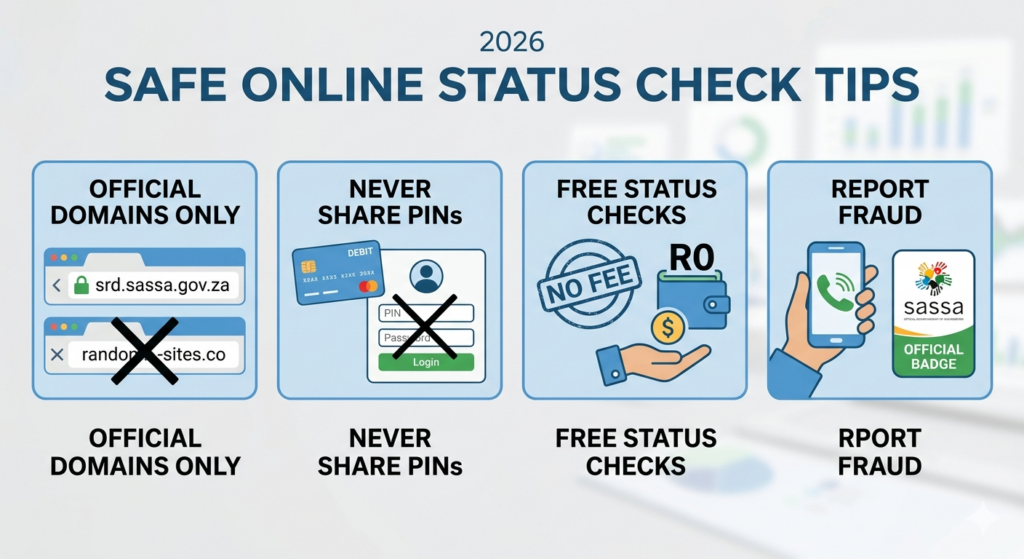
In 2026 you can check your SASSA grant status fully online using either the official SRD portal or the general SASSA status‑check route, depending on whether you are tracking an R370 SRD application or another social‑grant type. The process is quick, mobile‑friendly, and does not require you to visit an office if you have your ID and phone number handy.
For SRD (R370) grant status
Most people in 2026 are checking the Covid‑19 Social Relief of Distress (SRD) grant via the DSD/SASSA SRD platform.
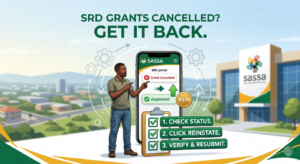
Steps to check SRD status online (2026):
– Open a browser and go to the official SRD status page
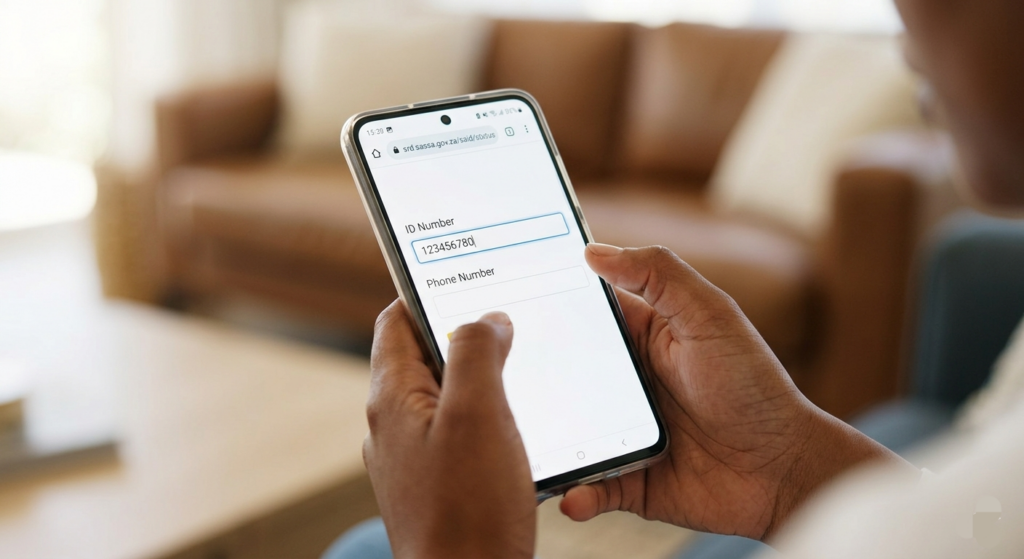
https://srd.sassa.gov.za/said/status
(or the main SRD site and select “Application Status”).
– Enter your South African ID number and the cellphone number you used when applying.
– Select your application reference/application type, then click “Check Status” or similar.
– The screen will show whether your application is Approved, Pending, Rejected, or Payment Pending, together with any notes on why it was declined.
If you never applied via the SRD portal, you can still create an account there first, then apply and later track your status using the same ID and phone.
For other SASSA grants (Old Age, Disability, Child Support, etc.)
Beyond the SRD, you can also check standard SASSA grant status online or via SMS, mainly through SASSA’s own channels.
Via the SASSA website / status platforms (2026):
– Visit the official SASSA website or a trusted status page that pulls from the SASSA system
– Select “Check Application Status” or “Grant Status Check”, then enter your ID number and registered phone number.
– Confirm details and click submit; the page returns whether your grant is approved, under review, or rejected, often with a short reason.
Via SMS (where available):
– Some channels still allow status checks by sending your ID number to a designated short code, with the system replying by SMS.
– This option is useful if you have limited data or are not comfortable using the web, but always confirm the correct code through SASSA or official notices.
What to do if your status is “Rejected” or “Pending”
If your online check shows “Rejected” or no clear approval, common reasons in 2026 include: means‑test cut‑off (income over R628), duplicate application, invalid banking details, or mismatched ID/phone info.
Many users then search for and follow the SRD appeal or SASSA reconsideration route on the same portal or via a SASSA office.
If it shows “Pending” for several weeks, it usually means SASSA is still verifying documents; you can recheck your status daily or seek help at your nearest SASSA office if no change appears after a month.
Safety tips when checking status online
– Always use the official SRD or SASSA domains (look for srd.sassa.gov.za or the main SASSA site) and avoid random “status check” sites that ask for passwords or banking PINs.
– Never pay anyone to “check” or “unlock” your SASSA status; genuine status checks are free on the SASSA channels.
By following these 2026‑aligned steps, you can quickly see whether your SRD or other SASSA grant has been approved, is under review, or needs an appeal, all from your phone or computer.