10 Costly SASSA and SRD Grant Mistakes South Africans Keep Making in 2026 — and How to Fix Every One
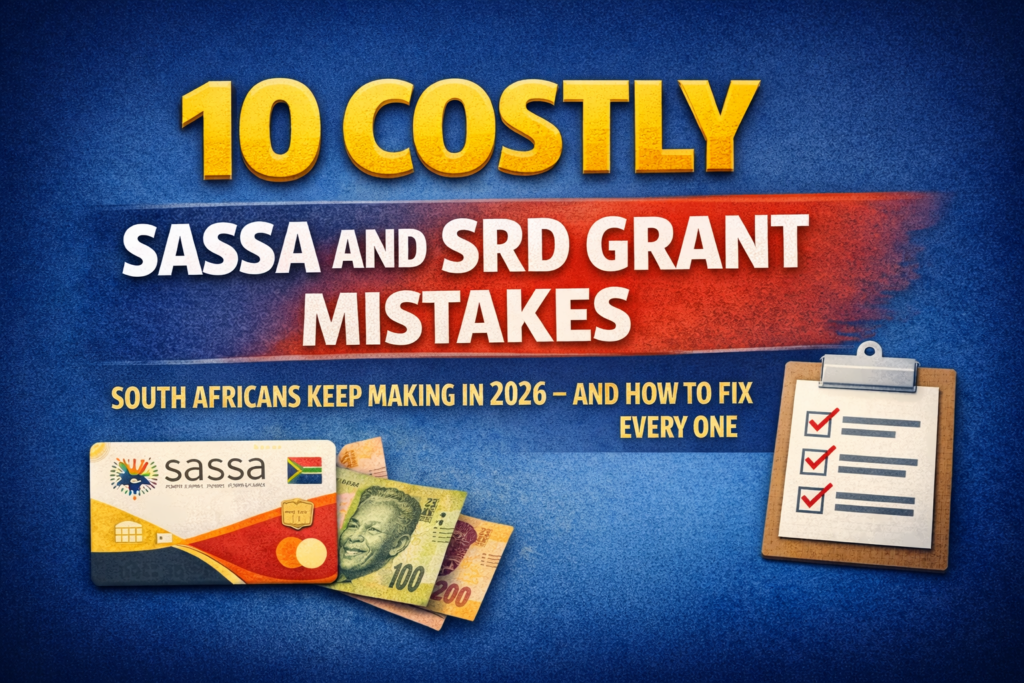
Nobody applies for a SASSA grant hoping to get declined. Yet thousands of South Africans lose their R370 every single month, not because they are ineligible, but because of small, avoidable mistakes that trip up the automated system before a human ever sees their application.
Some of these errors take seconds to make and months to recover from. This guide names every one of them, explains exactly why the system flags them, and tells you precisely what to do to fix the situation in 2026.
Mistake 1 — Entering Your Name Incorrectly
This sounds almost too simple to matter. It matters enormously.
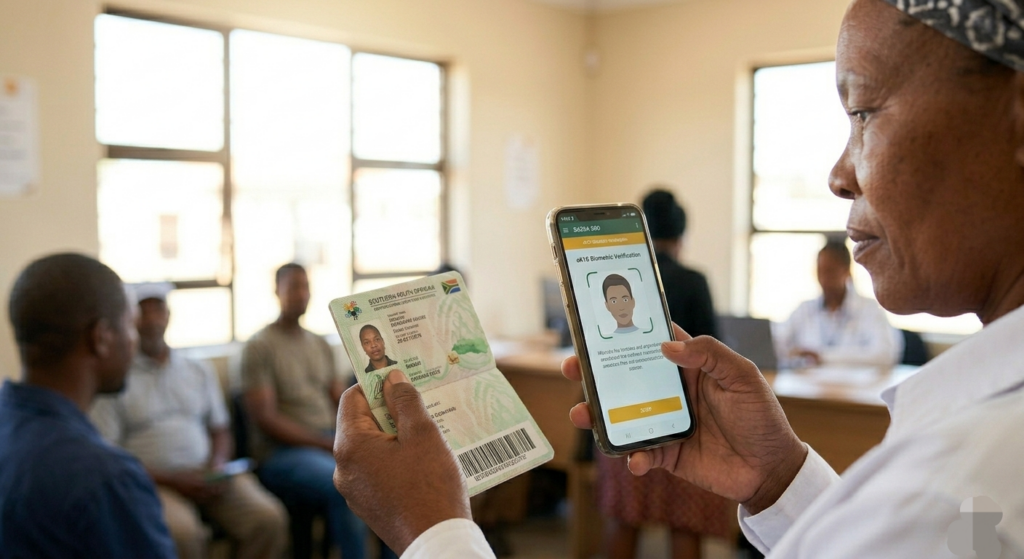
Common causes include typing a nickname instead of your full legal name, entering an incorrect digit in your ID number, or not updating your surname after marriage. These create an automatic identity mismatch with the Department of Home Affairs database.
SASSA’s system does not make guesses. If the name you entered differs from your green-barcoded ID or Smart ID card by even one letter, your verification fails instantly. Always open your physical ID document before entering any personal detail on the portal at [srd.sassa.gov.za] and copy it character by character.
Mistake 2 — Using Someone Else’s Phone Number
This is one of the most damaging and most common errors made at the point of application.
If you used a friend’s or family member’s phone number when applying for your grant and no longer have access to that number, you will be locked out of OTP verification, status checks, banking updates, and appeals — all of which require that registered number.
Your SIM card must be RICA-registered in your own name. SASSA cross-checks phone number ownership. Using someone else’s number not only blocks your access to the system, it can also flag your application as suspicious. If you are in this situation, you must visit your nearest SASSA office in person with your ID to request a phone number update. This cannot be done online.
Mistake 3 — Linking Someone Else’s Bank Account
The SASSA department only sends payments to accounts registered in the beneficiary’s own name. If you use someone else’s bank account, you will not receive any payment and your application may be declined.
This error catches many applicants who borrow a family member’s account “just for now.” There is no “just for now” in SASSA’s system. The account holder name is automatically verified against your ID number. If they do not match, payment is blocked. If you do not have a bank account, use the official CashSend option to collect at Shoprite, Pick n Pay, Checkers, Boxer, or USave.
Mistake 4 — Submitting Duplicate Applications
Frustration is understandable when your status stays on pending for weeks. The temptation to start a fresh application is real. Resist it completely.
Submitting duplicate applications can trigger a fraud flag on your profile, which delays processing significantly and can result in your application being blocked for additional manual review.
If your application is pending, the correct action is to wait and check your status weekly on (https://srd.sassa.gov.za). Submitting a second application does not speed up the first — it undermines it.
Mistake 5 — Ignoring the eKYC Biometric Verification Request
Since September 2025, completing your eKYC facial scan is mandatory for all SRD applicants. This is where thousands of otherwise eligible applicants fall off the process.
Incomplete facial or fingerprint scans lead to instant rejection. Use a well-lit room and stable internet connection for smooth eKYC completion.
The verification link sent via SMS is only valid for 72 hours. If you miss it, you need to request a new one through the SRD portal. Avoid wearing heavy makeup, using filters, or photographing yourself in poor lighting — all of these cause the facial recognition system to fail the liveness check.
Mistake 6 — Not Declaring All Income Sources Accurately
The SRD grant’s eligibility threshold is R624 per month, excluding once-off gifts. Even earning R625 disqualifies you. Declare all income sources, including informal work, gig earnings, or temporary support.
People often fail to account for small transfers that land in their account during the assessment window. The automated means test scans your bank accounts for deposits exceeding R624. Even temporary deposits from family, loans from friends, or refunds can trigger a decline. If possible, keep personal transfers to a minimum during the assessment window, which usually falls in the first two weeks of the month.
This is not about hiding income — it is about ensuring the system does not mistake a once-off transfer for a regular salary.
Mistake 7 — Being Registered With SARS as a Taxpayer
This one surprises many applicants. If you previously worked formally and were registered for tax, SASSA’s system may still flag you as an earner even if you are no longer employed.
If you are registered for tax, SASSA assumes you work. Update your employment status with SARS if you are unemployed to prevent this from triggering an automatic decline on your SRD application.
Contact SARS through [www.sars.gov.za] or visit a SARS branch to update your employment status before your next application cycle.
Mistake 8 — Not Collecting Your Grant for Three Consecutive Months
Approval does not mean your money waits forever. Many beneficiaries, particularly those who collect at retail outlets, simply forget or delay, assuming the balance accumulates indefinitely.
If you do not collect your grant for three consecutive months, the funds are reversed back to the National Treasury.
Once reversed, those months cannot be reclaimed. Check your payment dates every month and collect within the window assigned to you.
Mistake 9 — Updating Banking Details Through Unofficial Channels
As grant payment windows approach, scammers flood WhatsApp groups and social media with fake links claiming to help update banking details. Clicking these links does not update your details — it hands your information to criminals.
It is very important to enter your details correctly when updating banking information. Even a small mistake can cause problems with your payment. All banking detail updates must be done exclusively through [srd.sassa.gov.za] or by calling the toll-free helpline at 0800 60 10 11. After updating, allow 5 to 7 working days for SASSA to verify and activate your new account details before your next payment window.
Mistake 10 — Missing the Appeal Deadline After a Decline
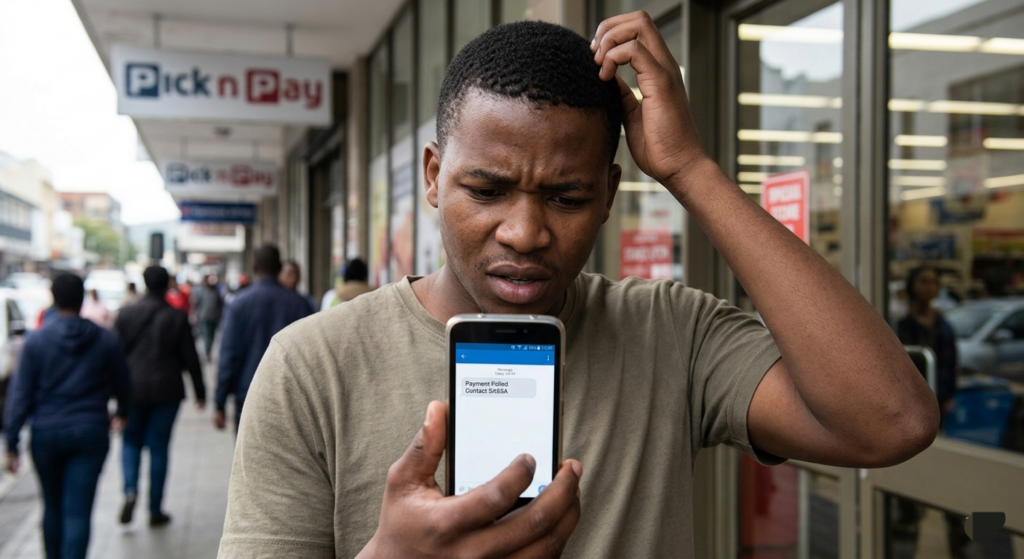
A declined status is not the end — but only if you act quickly. Many beneficiaries either do not know they can appeal, or they wait too long and lose their right entirely.
If you believe your SASSA application was unfairly declined, you have the option to appeal. Always double-check the specific reason shown for your decline before submitting, and ensure you address that exact issue in your appeal submission.
Submit your appeal within 30 days of each declined month at [srd.sassa.gov.za/appeals/appeal]. The absolute outer limit is 90 days — after that, the month is permanently closed and cannot be reconsidered.
Official SASSA Contacts
SRD Portal — [srd.sassa.gov.za]
Appeals Portal— [srd.sassa.gov.za/appeals/appeal]
Toll-Free Helpline— 0800 60 10 11 (Monday to Friday, free of charge)
WhatsApp— 082 046 8553
Email — srd@sassa.gov.za
Most SASSA declines are not a reflection of ineligibility — they are a reflection of small, fixable mistakes. Go through this list carefully, check your own application against every point, and correct whatever needs correcting before your next monthly assessment window. The R370 belongs to you — do not lose it to an error that takes five minutes to prevent.