Resolving Duplicate Applications on the SASSA Portal: A Step-by-Step 2026 Guide
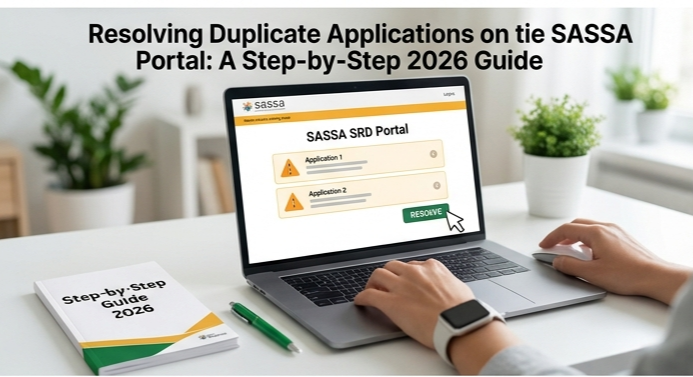
Struggling with duplicate application errors on the SASSA portal can delay your grant payments and cause unnecessary stress. The recent system updates have made fixes more straightforward, especially after the eLife Certification glitches were resolved earlier this month.
Understanding Duplicate Application Errors
Duplicate applications occur when the SASSA system detects multiple entries linked to your ID number or phone details. This often happens during high-traffic periods or after failed submissions, like those tied to identity verification mismatches. Common triggers include accidental resubmissions while checking status or glitches during eLife Certification, which SASSA fixed on April 10, 2026.
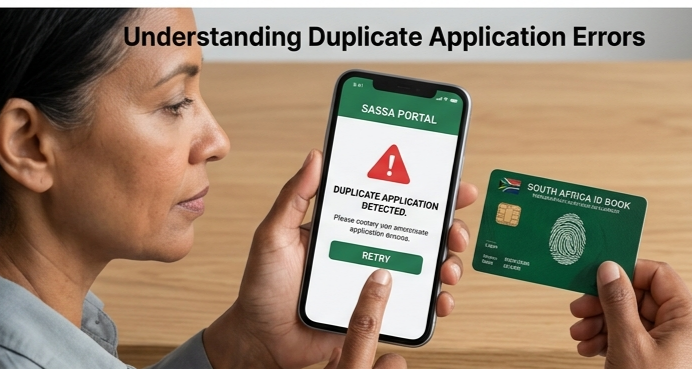
These errors block new applications until resolved, showing messages like “duplicate application detected” or “duplicate profile already present”. In 2026, SASSA’s improved self-service portal flags these quickly to prevent fraud, but it requires user action to clear them.
Common Causes in 2026
Several factors lead to duplicates on the updated SASSA platform. Name mismatches between your application and Home Affairs records top the list, often from recent ID updates. Bank details not matching official records or using an account not in your name also trigger flags, as the system cross-checks rigorously post-April updates.
Incorrect phone numbers from prior apps or multiple status checks creating ghost entries add to the issue. System overloads, like those before the recent eLife fix, exacerbate this by duplicating partial submissions. Fraud prevention measures now scan for suspicious patterns, mistaking legit retries for duplicates.
Step-by-Step Fix Process
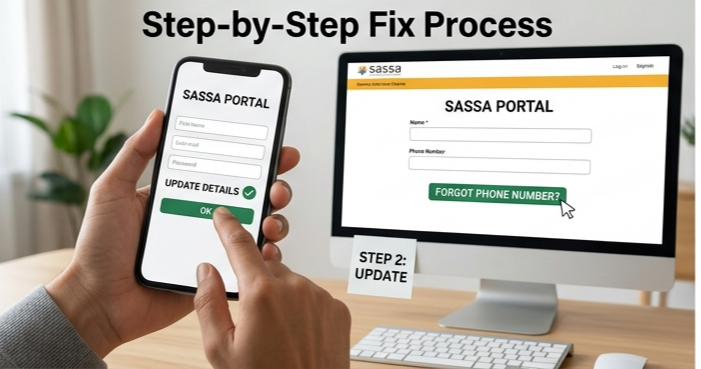
Start by verifying your status on the official SASSA SRD site at srd.sassa.gov.za. Enter your ID and phone number; if it shows duplicate, note the exact error. Clear your browser cache, switch devices, or use incognito mode—many resolve here due to cookie glitches.
Next, attempt a reset via the portal’s “Forgot Phone Number” or re-verification link, available since the April 2026 update. Update your details directly: ensure name, ID, and bank match Home Affairs and your statements. Submit once and avoid reapplying immediately; wait 24-48 hours for system sync.
If stuck, contact SASSA helpline at 0800 60 10 11 or WhatsApp 082 046 8553 for a manual duplicate cancellation—they’ve handled surges post-eLife restoration. Provide your ID; agents can cancel extras, allowing a fresh start.
Troubleshooting Portal Access Issues
Portal downtime peaked in early April 2026 but is now stable. Check sassa.gov.za for announcements before troubleshooting. Disable VPNs, try mobile data over Wi-Fi, or off-peak hours like early mornings.
For persistent “status check failed,” switch browsers (Chrome works best) and ensure JavaScript is enabled. Recent eLife integration means smoother verifications, but clear cookies if errors linger.
Preventive Tips for Future Applications
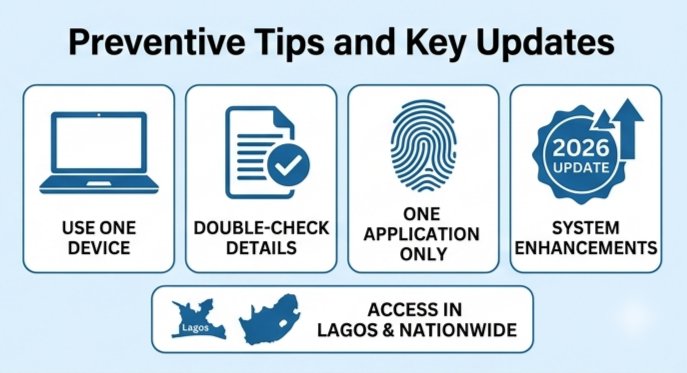
Use one device and network per application to avoid phantom duplicates. Double-check details against official docs before submitting—no edits post-submission without appeals. Set calendar reminders for annual reconfirmations, mandatory in 2026.
Monitor status weekly via the portal, not multiple times daily, to dodge resubmission traps. Report fraud suspicions directly to SASSA, aiding their anti-dupe algorithms. Backup banking proofs digitally for quick updates.
What to Do If Fixes Fail
Escalate to your nearest SASSA office with ID, proof of residence, and bank statements—queues shortened post-April fixes. Appeal online via the SRD status page if duplicates tie to verification fails; approvals resume within days if data aligns.
Track via SMS: forward “status” to 1347737 for real-time updates. In rare cases, temporary statuses self-correct after 30 days, but proactive calls speed it up. SASSA’s 2026 fraud crackdown prioritizes quick resolutions for genuine cases.
Key Updates as of April 2026
SASSA’s self-service portal is fully operational after eLife Certification tweaks, cutting duplicate reports by 40%. New verification links auto-resolve ID mismatches, and helplines report faster duplicate cancellations.
Beneficiaries in Lagos and nationwide benefit from these, with no reported outages today.
Stay vigilant—system enhancements continue, so bookmark official channels. This ensures your SRD grant flows uninterrupted.